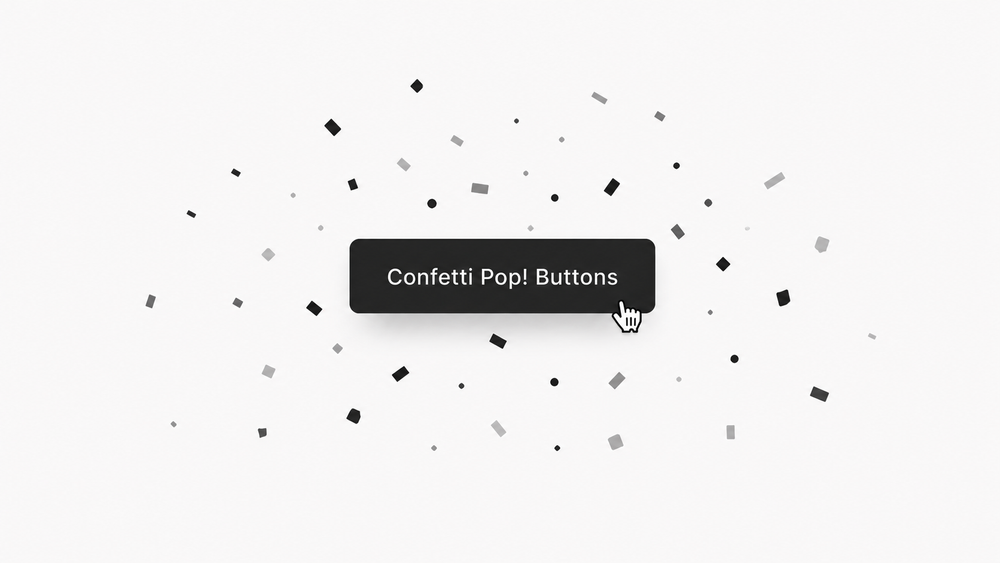
Confetti Pop! Buttons
This Super Plugin moved from our legacy site. If you previously purchased, to unlock.
The original library, featuring hundreds of copy-and-paste plugins for Squarespace. These legacy plugins are preserved as they were originally released and are available as-is. For no-code plugins with visual editing and live previews, explore the current plugin library.
Overview
Trigger a confetti animation when visitors click a button on your Squarespace site.
Works with Squarespace 7.1
Requires Core/Business Plan or Higher
Uses Code Injection
Plugin Delivery
A classic Super Plugin from the original Ghost Plugins library. Purchase once to unlock the code on this page and use it on unlimited websites. Included with Ghost+.
Squarespace Compatibility & Requirements
Compatibility notes preserved from the original release.
Install Steps
Follow each step in order. Code boxes unlock after purchase, with Ghost+, or with your original password.
Step 1. Add This Code To Footer Code Injection
Unlock to view and copy the code.
Step 2. Customizable Options
These options are available in Footer Code Injection.
Confetti Colors (Up To 5 Colors)
Confetti Pop Distance
Number of Confetti
Loop Confetti Pop After Click (On or Off)
Delay In Confetti Pop (If Loop Is On)
Duration of Confetti Pop
Redirect Delay
Apply Confetti Pop To Specific Element
Step 3. Assign Confetti To Other Buttons
By default, Confetti Pop! applies to Primary Button Block but you can apply it to some other buttons by updating the targetElement option in Footer Code Injection.
Here are some other buttons and their targets:
Primary Button Block (Default) = .sqs-block-button .sqs-button-element--primary
Secondary Button Block = .sqs-button-element--secondary
Tertiary Button Block = .sqs-button-element--tertiary
Header Button = .header-actions-action--cta
⚠️ Note: Confetti Pop! has only been tested with the elements listed above. It may work with others such as navigation links or hyperlinks, but support is limited if targeting different elements.
Plugin Notes
While in edit mode, clicking the button may error the redirect or open the editing window.
For proper button and redirect testing, visit the site as a normal visitor.
Recommended
Want the current Ghost experience?
Explore the current plugin library for plugins with live previews, built-in customization options, Plugin Studio editing, easier installation, and ongoing updates designed for the latest Ghost experience.
Browse Current Plugins →