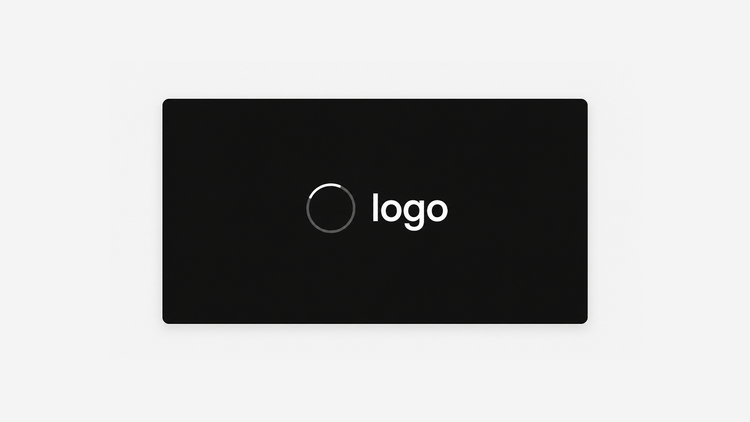
Logo Loading Screen (Circle)
This Super Plugin moved from our legacy site. If you previously purchased, to unlock.
The original library, featuring hundreds of copy-and-paste plugins for Squarespace. These legacy plugins are preserved as they were originally released and are available as-is. For no-code plugins with visual editing and live previews, explore the current plugin library.
Overview
Display a logo with a circular loading animation on your Squarespace site.
Works with Squarespace 7.1
Requires Core/Business Plan or Higher
Uses Code Injection and CSS Editor
Uses CSS Editor and Code Injection
Plugin Delivery
A classic Super Plugin from the original Ghost Plugins library. Purchase once to unlock the code on this page and use it on unlimited websites. Included with Ghost+.
Squarespace Compatibility & Requirements
Compatibility notes preserved from the original release.
Install Steps
Follow each step in order. Code boxes unlock after purchase, with Ghost+, or with your original password.
Step 1. Add this code to Header Code Injection
Unlock to view and copy the code.
Step 2. Add this code to Custom CSS
Unlock to view and copy the code.
3 (a). Customizable Options - Header Code Injection
These options are available in Header Code Injection.
Show Text or Logo
Custom Text or Logo
Loading Screen Time
Loading Screen Fade Out Speed
Show Only Once or Each Page Load
Show or Hide Loading Circle
Uploading Your Logo: Use CSS > Manage Files to upload and generate a file URL link for your image / logo. Then replace IMAGE-URL-HERE with the file URL in the Code Injection option.
3 (b). Customizable Options - Custom CSS
These options are available in Custom CSS.
Loading Circle Color
Loading Circle Size
Loading Circle Position (Left or Top)
Loading Circle Spacing (Right and Bottom)
Custom Text Color
Custom Text or Logo Size
Background Color or Blur Effect
Blur Amount (More or Less Blur)
Background Image
Uploading Your Image: Use CSS > Manage Files to upload and generate a file URL link for your image / logo. Then replace IMAGE-URL-HERE with the file URL in the Custom CSS option.
Plugin Notes
Custom text applies the font family set for the site title in settings.
Troubleshooting (Plugin Not Working)
If custom text is not showing, ensure loaderType option is set to ‘text’.
If custom logo is not showing, ensure loaderType option is set to ‘image’.
Recommended
Want the current Ghost experience?
Explore the current plugin library for plugins with live previews, built-in customization options, Plugin Studio editing, easier installation, and ongoing updates designed for the latest Ghost experience.
Browse Current Plugins →