
Scroll Progress Bar
Help visitors track their place on the page with a scroll progress bar that shows how far they’ve explored and how much content remains.
 Built for Squarespace
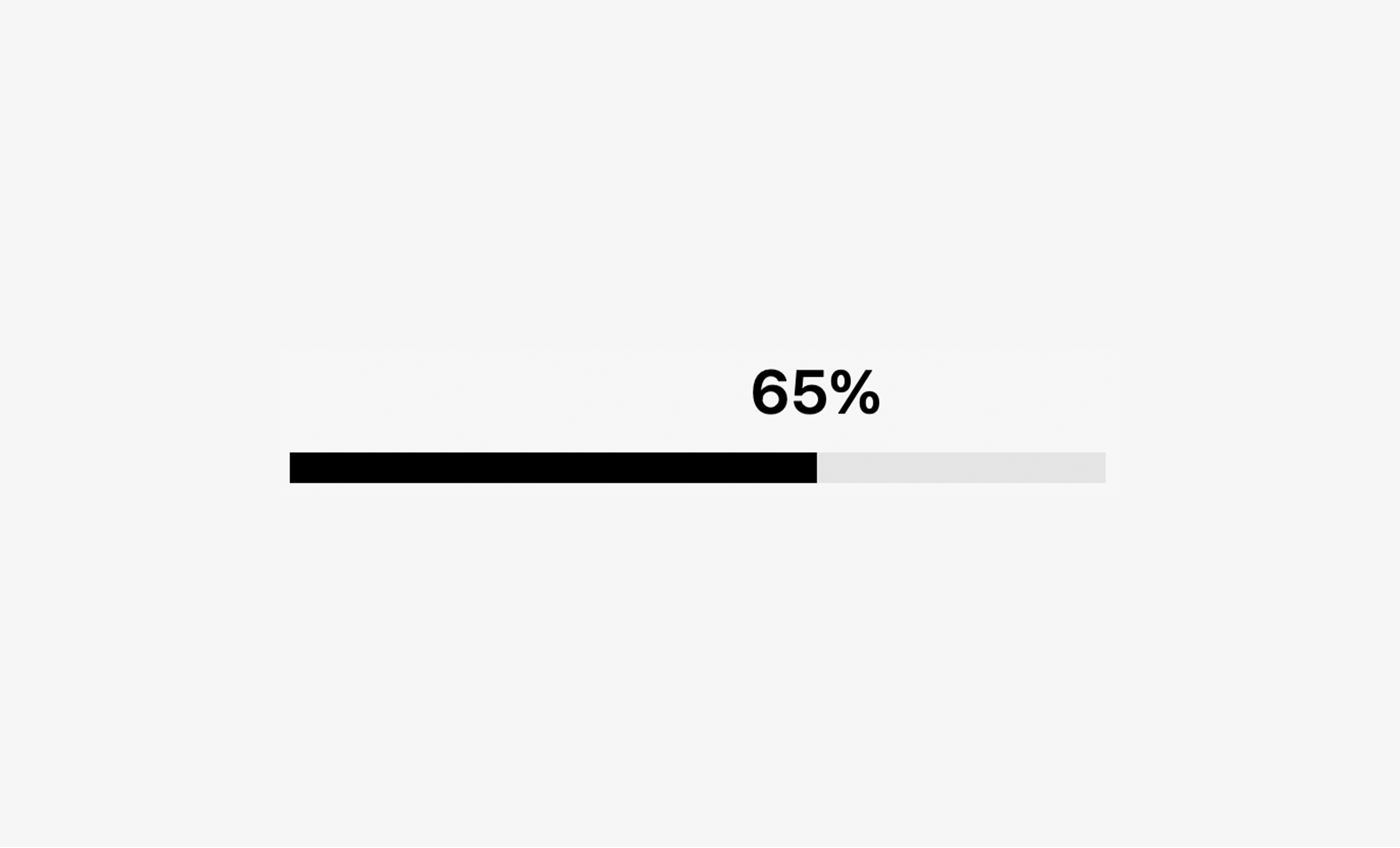
Give visitors a clear sense of progress as they scroll. This scroll progress bar adds a visual indicator to your Squarespace website, helping readers see where they are on the page and how much content is left. It’s especially useful for bloggers, educators, consultants, and businesses with detailed service pages or case studies. On longer pages, it gives visitors a helpful reference point as they move through your content. On smaller screens, where less content is visible at once, the progress bar helps visitors keep track of their place and gauge how much more there is to read. Use it to support a lengthy article, guide readers through a project breakdown, or make an in-depth resource easier to navigate.
How your plugin is delivered and accessed after purchase.
Instant Access
Plugin Studio will unlock after purchase or joining Ghost+.
No Downloading Files
No download files or saving a plugin password file.
Access Anytime
Return to your plugin and guide anytime via your account.
Check compatibility and requirements for using this plugin on Squarespace.
Plugin Setup & Customization
From purchase to installation, Ghost keeps your plugins connected and easy to manage.
- 1
Order or Unlock the Plugin
Purchase the plugin or unlock it with Ghost+. It’s added to your account instantly.
- 2
Customize in Plugin Studio
Adjust content, styles, colors, and more visually, then save your customized plugin as a preset.
- 3
Save Your Plugin
Save your plugin as a preset to a Workspace to manage plugins, upload files, and more.
- 4
Connect To Squarespace
Connect your Workspace to Squarespace once and every assigned plugin updates automatically.
Ghost Tools Included for Everyone
Customize, manage, install, and hand off plugins with Ghost Suite.
SquarespaceCustomize Without Code.
Add to Squarespace in 60 Seconds.
We've changed how Squarespace plugins work. Customize visually with simple controls, see your changes live, save plugin designs as presets, and add to Squarespace in seconds.
- No Code Customization
- Live Visual Editing
- No Extensions Required
Meet Plugin Studio.Customize visually with simple controls, see your changes live, and add them to Squarespace in seconds.No Coding RequiredLive Visual EditingNo AI Prompting
 Plugin Studio
Answers to questions about plugin setup, customization, and troubleshooting.