Mood Board Images
Set the mood with a draggable collection of images that lets visitors explore your inspiration, photography, and creative direction.
 Built for Squarespace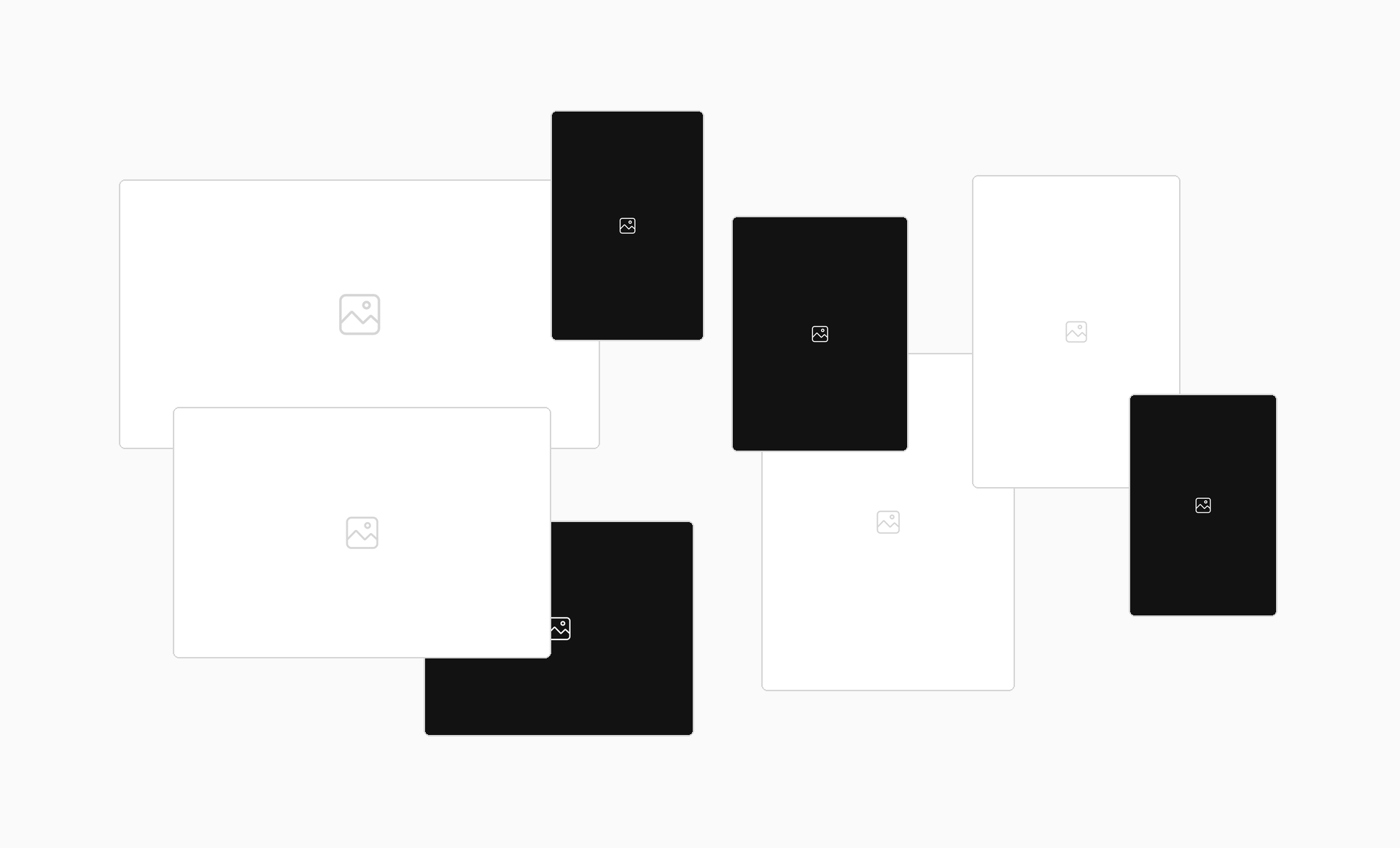
Set the mood before visitors read a word. Mood Board Images presents your visuals in an interactive arrangement they can drag and rearrange, giving them a hands-on way to explore your collection. It’s a great fit for interior designers sharing materials and inspiration, brand studios presenting a visual direction, photographers curating a collection, and fashion brands showcasing a seasonal mood. Bring related images together to communicate an aesthetic and help potential clients understand your style. Mood Board Images is a desktop-only experience and does not appear on phones or tablets.
How your plugin is delivered and accessed after purchase.
Instant Access
Plugin Studio will unlock after purchase or joining Ghost+.
No Downloading Files
No download files or saving a plugin password file.
Access Anytime
Return to your plugin and guide anytime via your account.
Check compatibility and requirements for using this plugin on Squarespace.
Plugin Setup & Customization
From purchase to installation, Ghost keeps your plugins connected and easy to manage.
- 1
Order or Unlock the Plugin
Purchase the plugin or unlock it with Ghost+. It’s added to your account instantly.
- 2
Customize in Plugin Studio
Adjust content, styles, colors, and more visually, then save your customized plugin as a preset.
- 3
Save Your Plugin
Save your plugin as a preset to a Workspace to manage plugins, upload files, and more.
- 4
Connect To Squarespace
Connect your Workspace to Squarespace once and every assigned plugin updates automatically.
Ghost Tools Included for Everyone
Customize, manage, install, and hand off plugins with Ghost Suite.
SquarespaceCustomize Without Code.
Add to Squarespace in 60 Seconds.
We've changed how Squarespace plugins work. Customize visually with simple controls, see your changes live, save plugin designs as presets, and add to Squarespace in seconds.
- No Code Customization
- Live Visual Editing
- No Extensions Required
Meet Plugin Studio.Customize visually with simple controls, see your changes live, and add them to Squarespace in seconds.No Coding RequiredLive Visual EditingNo AI Prompting
 Plugin Studio
Answers to questions about plugin setup, customization, and troubleshooting.
A history of updates and improvements released for this plugin.
Mood Board Images has no active issues reported.
Code Block mode now fills only the space inside the block, so the block no longer keeps growing taller.
Initial release: added image uploads, Mixed Sizes, Image Spread Distance, shadows, and hover expand and tilt controls to Plugin Studio.