
Animated Number Counter
Turn your standout statistics into animated numbers that catch the eye and tell your story at a glance.
 Built for Squarespace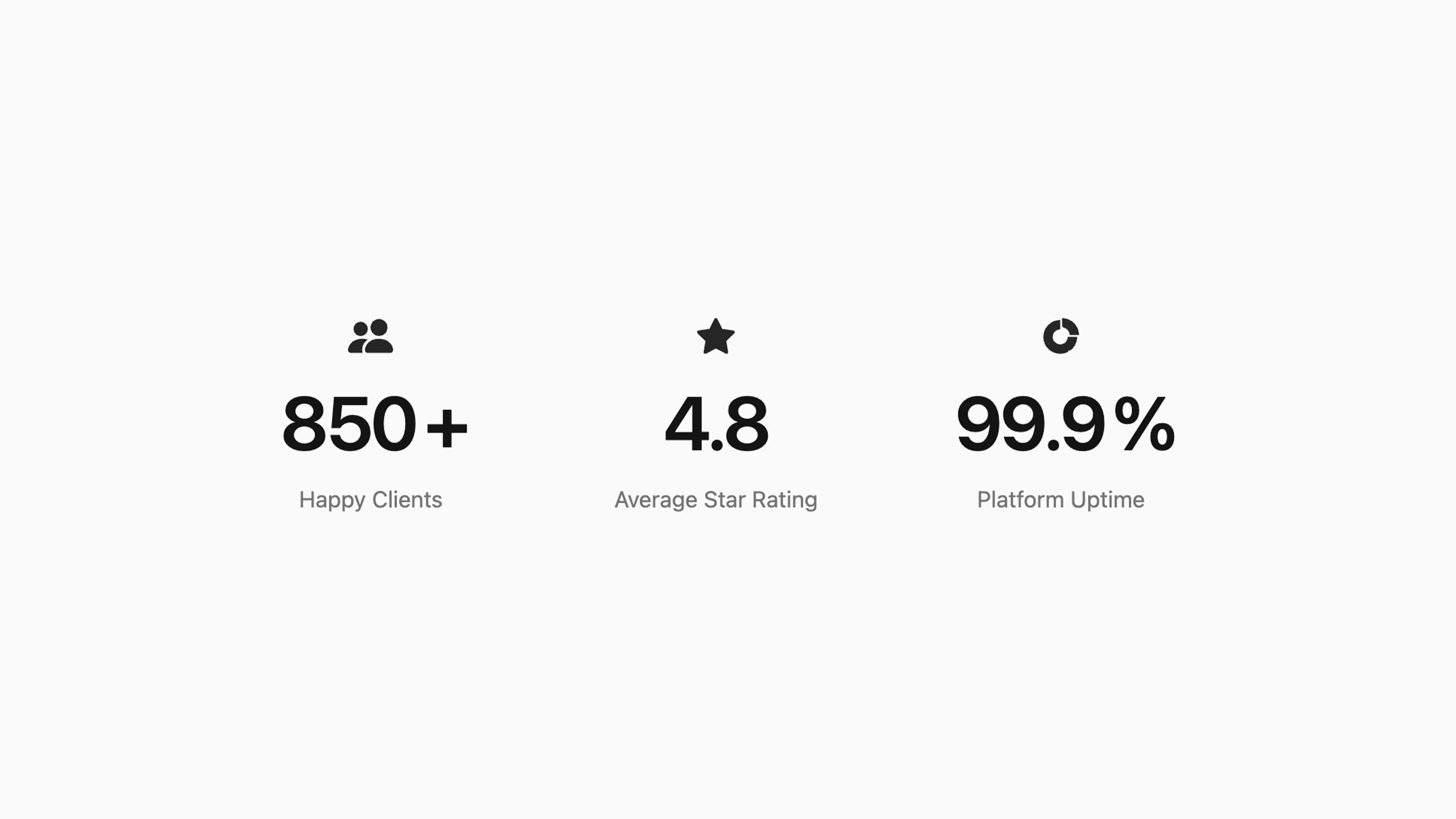
Give your achievements the attention they deserve. Animated Numbers brings key statistics to life as visitors scroll, helping you highlight milestones, celebrate growth, and build confidence in your business. Pair each number with an icon and a clear title, then customize the look to suit your brand. From projects completed and customers served to years of experience, it makes your results easy to notice and understand. Ideal for agencies, freelancers, service businesses, nonprofits, and anyone who wants to show their impact in a memorable way.
How your plugin is delivered and accessed after purchase.
Instant Access
Plugin Studio will unlock after purchase or joining Ghost+.
No Downloading Files
No download files or saving a plugin password file.
Access Anytime
Return to your plugin and guide anytime via your account.
Check compatibility and requirements for using this plugin on Squarespace.
Plugin Setup & Customization
From purchase to installation, Ghost keeps your plugins connected and easy to manage.
- 1
Order or Unlock the Plugin
Purchase the plugin or unlock it with Ghost+. It’s added to your account instantly.
- 2
Customize in Plugin Studio
Adjust content, styles, colors, and more visually, then save your customized plugin as a preset.
- 3
Save Your Plugin
Save your plugin as a preset to a Workspace to manage plugins, upload files, and more.
- 4
Connect To Squarespace
Connect your Workspace to Squarespace once and every assigned plugin updates automatically.
Ghost Tools Included for Everyone
Customize, manage, install, and hand off plugins with Ghost Suite.
SquarespaceCustomize Without Code.
Add to Squarespace in 60 Seconds.
We've changed how Squarespace plugins work. Customize visually with simple controls, see your changes live, save plugin designs as presets, and add to Squarespace in seconds.
- No Code Customization
- Live Visual Editing
- No Extensions Required
Meet Plugin Studio.Customize visually with simple controls, see your changes live, and add them to Squarespace in seconds.No Coding RequiredLive Visual EditingNo AI Prompting
 Plugin Studio
Answers to questions about plugin setup, customization, and troubleshooting.
A history of updates and improvements released for this plugin.
Animated Number Counter has no active issues reported.
Built-in starter stats now match the Plugin Studio demo.
Icon background clears when Icon Style is None.
Initial release: added Animated Numbers to Plugin Studio.