
Aiko Testimonial Slider
Build trust with a polished testimonial slider that pairs customer stories with portraits, helping potential clients feel more confident choosing your business.
 Built for Squarespace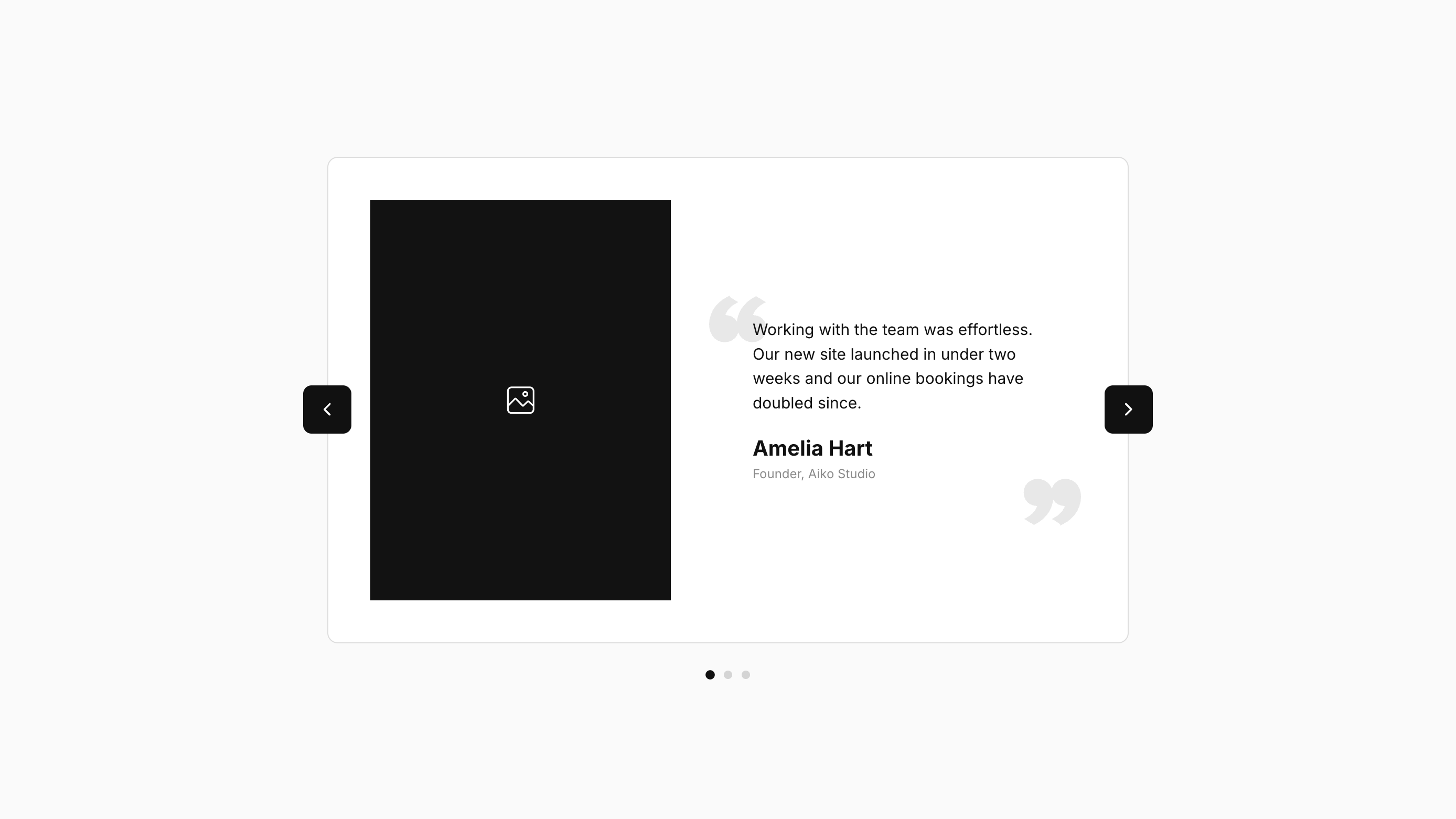
Let your happy clients help you win over the next one. Aiko Testimonial Slider brings customer quotes to life with an editorial-style layout that pairs each testimonial with a tall portrait, name, and role. Clean cards and soft quotation marks give your Squarespace website a polished, personal feel. It’s a natural fit for designers, coaches, consultants, photographers, and service-based businesses where trust plays a big part in booking. Pairing feedback with a face puts the people behind your reviews front and center, helping visitors connect with their stories and picture themselves working with you. Visitors can browse using rounded arrow buttons, tap the pagination dots, or swipe on mobile. Optional autoplay keeps testimonials moving at your chosen pace, with automatic pauses that give visitors time to take in the feedback.
How your plugin is delivered and accessed after purchase.
Instant Access
Plugin Studio will unlock after purchase or joining Ghost+.
No Downloading Files
No download files or saving a plugin password file.
Access Anytime
Return to your plugin and guide anytime via your account.
Check compatibility and requirements for using this plugin on Squarespace.
Plugin Setup & Customization
From purchase to installation, Ghost keeps your plugins connected and easy to manage.
- 1
Order or Unlock the Plugin
Purchase the plugin or unlock it with Ghost+. It’s added to your account instantly.
- 2
Customize in Plugin Studio
Adjust content, styles, colors, and more visually, then save your customized plugin as a preset.
- 3
Save Your Plugin
Save your plugin as a preset to a Workspace to manage plugins, upload files, and more.
- 4
Connect To Squarespace
Connect your Workspace to Squarespace once and every assigned plugin updates automatically.
Ghost Tools Included for Everyone
Customize, manage, install, and hand off plugins with Ghost Suite.
SquarespaceCustomize Without Code.
Add to Squarespace in 60 Seconds.
We've changed how Squarespace plugins work. Customize visually with simple controls, see your changes live, save plugin designs as presets, and add to Squarespace in seconds.
- No Code Customization
- Live Visual Editing
- No Extensions Required
Meet Plugin Studio.Customize visually with simple controls, see your changes live, and add them to Squarespace in seconds.No Coding RequiredLive Visual EditingNo AI Prompting
 Plugin Studio
Answers to questions about plugin setup, customization, and troubleshooting.
A history of updates and improvements released for this plugin.
Aiko Testimonial Slider has no active issues reported.
Align shared image ratios and quote/arrow fill, stroke, and icon sizing controls. Preserve existing settings.
Added Text Styling controls for quote, title, and subtitle text, plus a custom SVG option for the Quote Icon.
Updated Slide Animation Speed and Card Max Width controls to improve transitions across screen sizes.