
Blink Template
A premium Squarespace Template with non-branded or pre-styled options.
 Built on Squarespace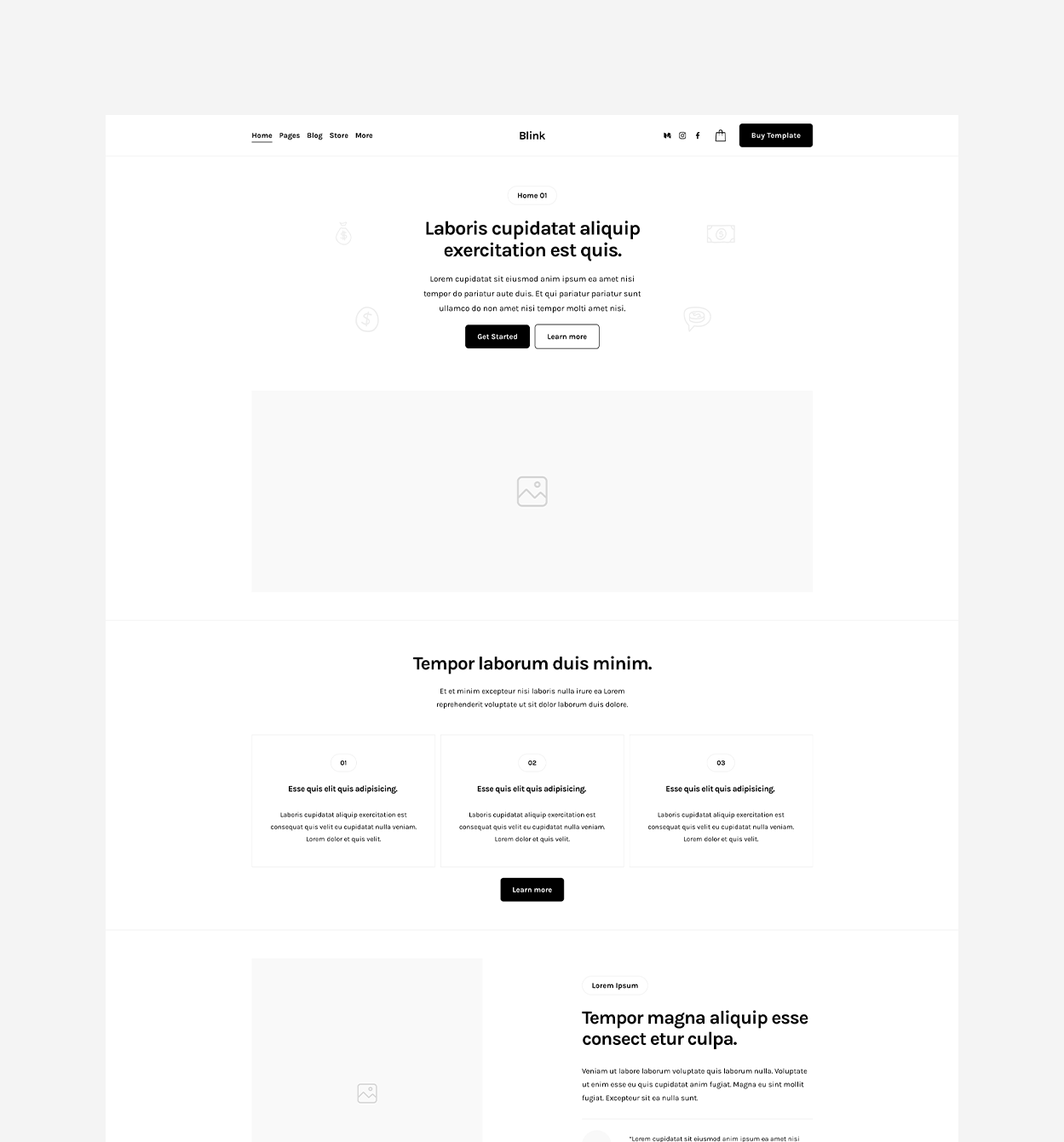
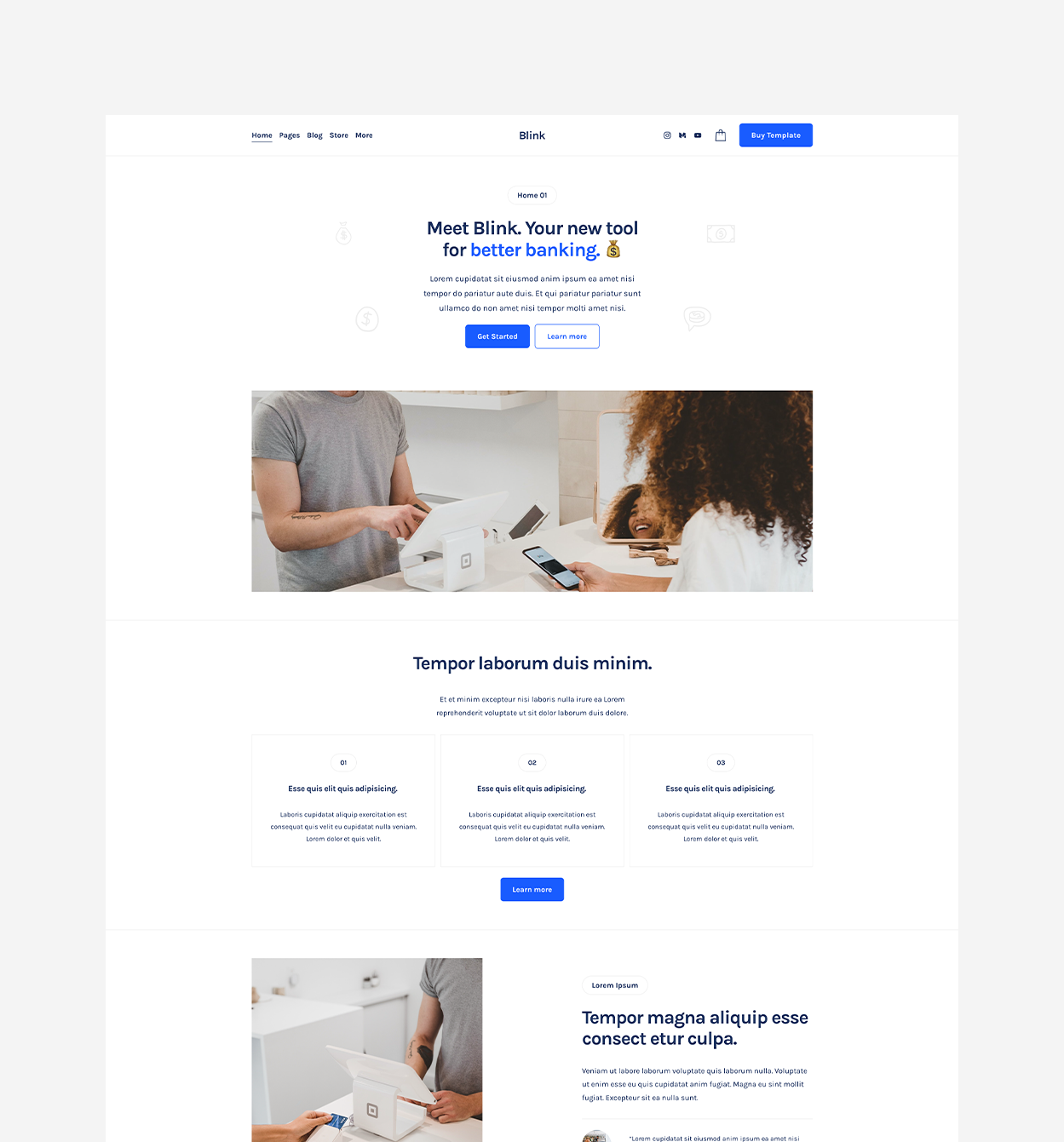
A clean, product-led Squarespace template demonstrated for fintech and modern service brands. Multiple home and interior layouts, blog, store, contact, scheduling, policies, testimonials, and flexible content blocks support startups, financial services, and personal-finance brands.
Built with native Squarespace sections, blocks, and site styles, this template is easy to customize directly in the Squarespace editor. Edit text, images, buttons, forms, layouts, colors, fonts, spacing, and other design elements like normal, while easily adding, removing, duplicating, or rearranging pages and sections to make the template your own.
A small amount of CSS is included for additional design details and enhancements, but 99.99% of the template can be customized directly in Squarespace like normal.
Visit a live preview of each template style.
Everything included to help you launch faster and customize with ease.
Files and assets included with this template.
This template does not include any downloadable files or assets.
No FilesHow your template is delivered and what to expect after ordering.
- 1
Order or Request the Template
Simply purchase the template or request it through a Ghost+ membership.
- 2
Delivered via Site Permission
Your template will be installed in a new Squarespace trial and sent via site permission within 24 hours.
- 3
Customize and Launch
Replace the content, adjust the styles, connect your domain, and launch your site.
Delivery happens within 24 hours of your order. The site permission link is sent to the email address linked to your account and is also listed in your dashboard under orders.
Easily customize your template using Squarespace’s built-in tools.
Built with Native Squarespace
No-Code Editing
Add & Remove Blocks
Customize Color Palettes
Customize Typography
Customize Buttons
Drag-and-Drop Sections
Swap Content & Images
Add New Pages
Add Blogs & Shops
Edit Desktop & Mobile
Duplicate + Reuse Sections
This template includes a few simple design tweaks for additional styling not native to Squarespace. These mini plugins can be found and customized in Custom Code → Custom CSS.
Navigation Folder - Link Hover Style
Adds a hover border style and extra padding between the links in the navigation drop down folder.
CSS LockedUnlock to view and copy the code.
Navigation Folder - Border Style
Adds a border style, rounded corners, and padding to the navigation drop down folder.
CSS LockedUnlock to view and copy the code.
Italic Text - Pill Style
Adds a pill style to any text when set to italic.
CSS LockedUnlock to view and copy the code.
Page Section - Border Style
Adds a border to the bottom of each page section.
CSS LockedUnlock to view and copy the code.
Answers to common questions about templates, customization, and installation.
Making Design & Style Changes
Customize your site's fonts, colors, buttons, spacing, and other design settings.
Editing with Fluid Engine
Learn how to move, resize, and arrange content using Squarespace's drag-and-drop editor.
Adding & Editing Blocks
Learn how to add and customize text, images, buttons, forms, and other content blocks.
Working with Page Sections
Learn how to add, customize, duplicate, and rearrange sections throughout your pages.
Site Launch Checklist
Review the essential steps to prepare your Squarespace website before publishing.