
Plugin Library
Super Components and Plugins for Squarespace.
A growing library of premium components and extra developed code solutions for Squarespace. Giving you more flexibility and power.
Enter your email to know when new components, plugins, and template kits release. You can unsubscribe anytime.
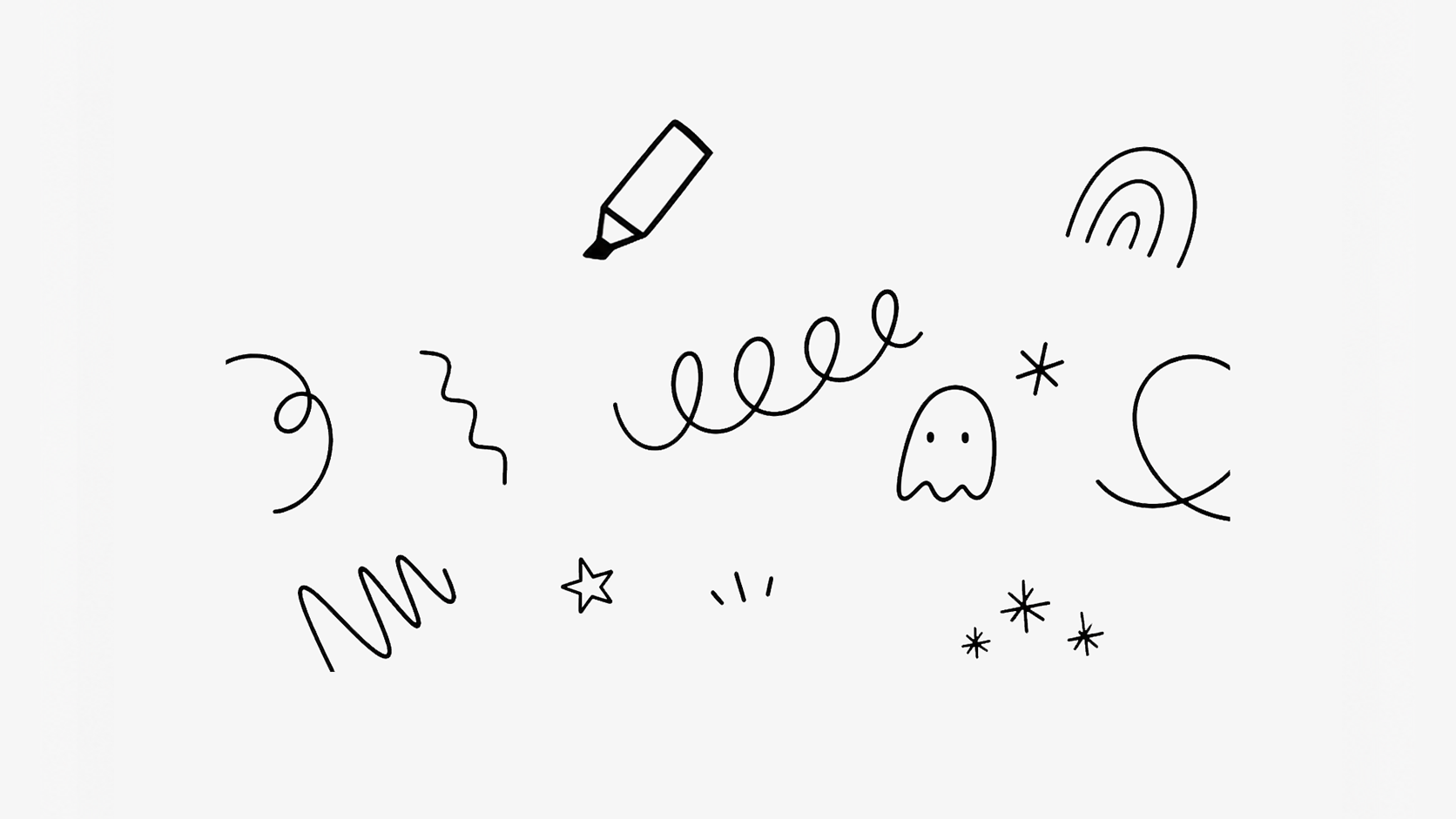
Let visitors add a little interactive fun by doodling and drawing directly on your Squarespace website. A playful way to increase engagement and create memorable browsing experiences.
Plugin Details
Live Plugin Demo
Works with Squarespace 7.1 (Fluid Engine)
Uses Code Block, Code Injection, and Custom CSS
Requires Core/Business Plan or Higher
Only Compatible On Desktop
What’s Included
Step-by-Step Install Guide
Multi-Site License
Personal & Client Use Ok
Friendly Support
Free Future Updates
Customizable Options
Canvas Background Color
Doodle Pen Line Color
Doodle Pen Line Width
Default or Custom Cursor
Cursor Offset
Pro Access (Membership)
Unlimited access to this plugin and the Super Plugin Library.
Buy Now (Single Purchase)
Purchase this plugin with a multi-site license.
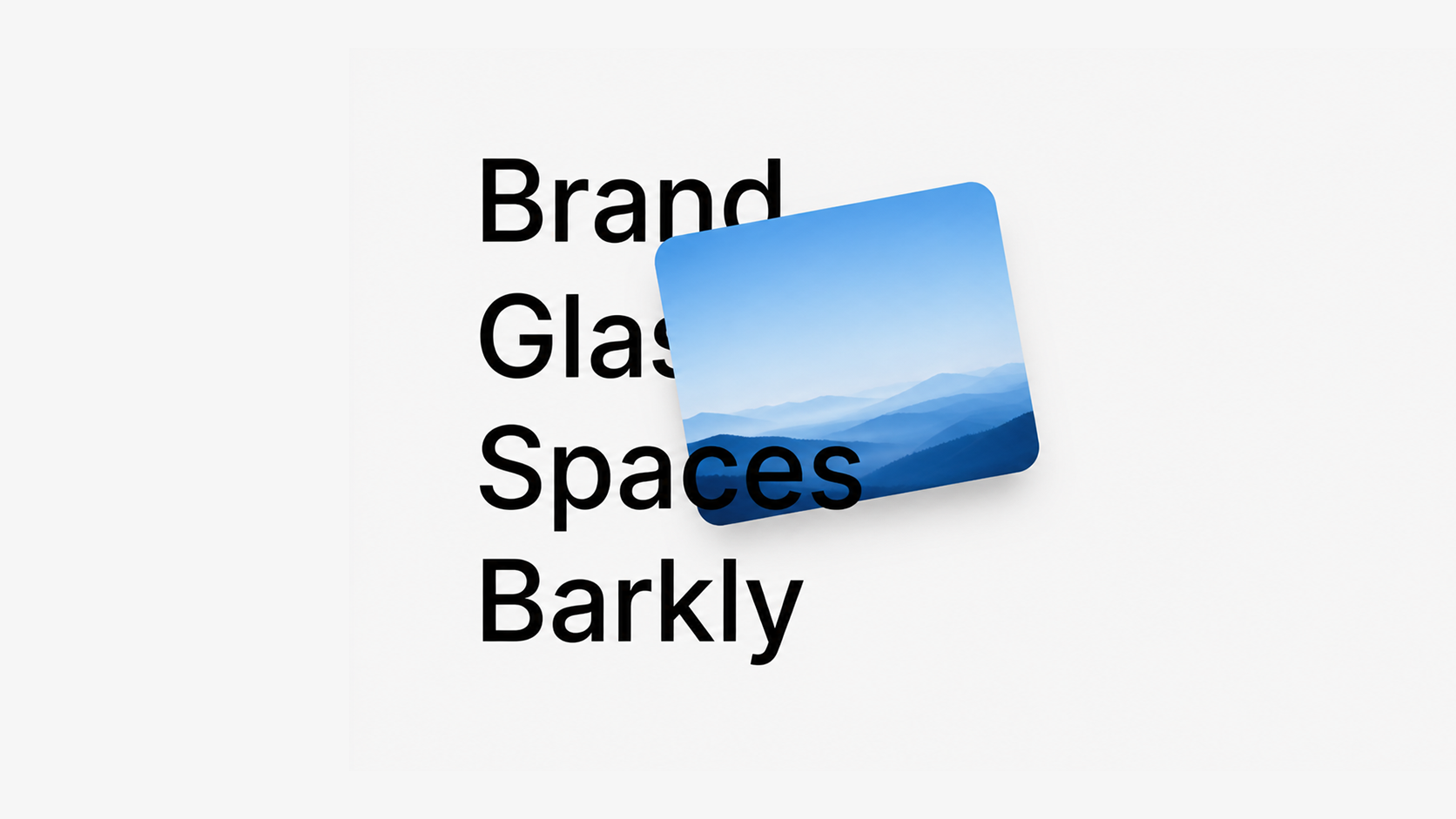
Hover over titles to reveal hidden images, adding a subtle interactive layer that feels especially at home on portfolios and image-focused websites.
Plugin Details
Live Plugin Demo
Works with Squarespace 7.1
Hover Only Compatible on Desktop
Requires Core/Business Plan or Higher
Uses Custom CSS, Code Injection, and Code Block
What’s Included
Step-by-Step Install Guide
Multi-Site License
Personal & Client Use Ok
Friendly Support
Free Future Updates
Customizable Options
Clickable Titles (Turn On / Off)
Title Size and Color
Title Line Height and Weight
Title Font Family
Image Title Size and Color
Image Height and Width
Image Border Style
Image Border Radius
Image Tilt
Image Placement (Move Slightly Left or Right)
Pro Access (Membership)
Unlimited access to this plugin and the Super Plugin Library.
Buy Now (Single Purchase)
Purchase this plugin with a multi-site license.
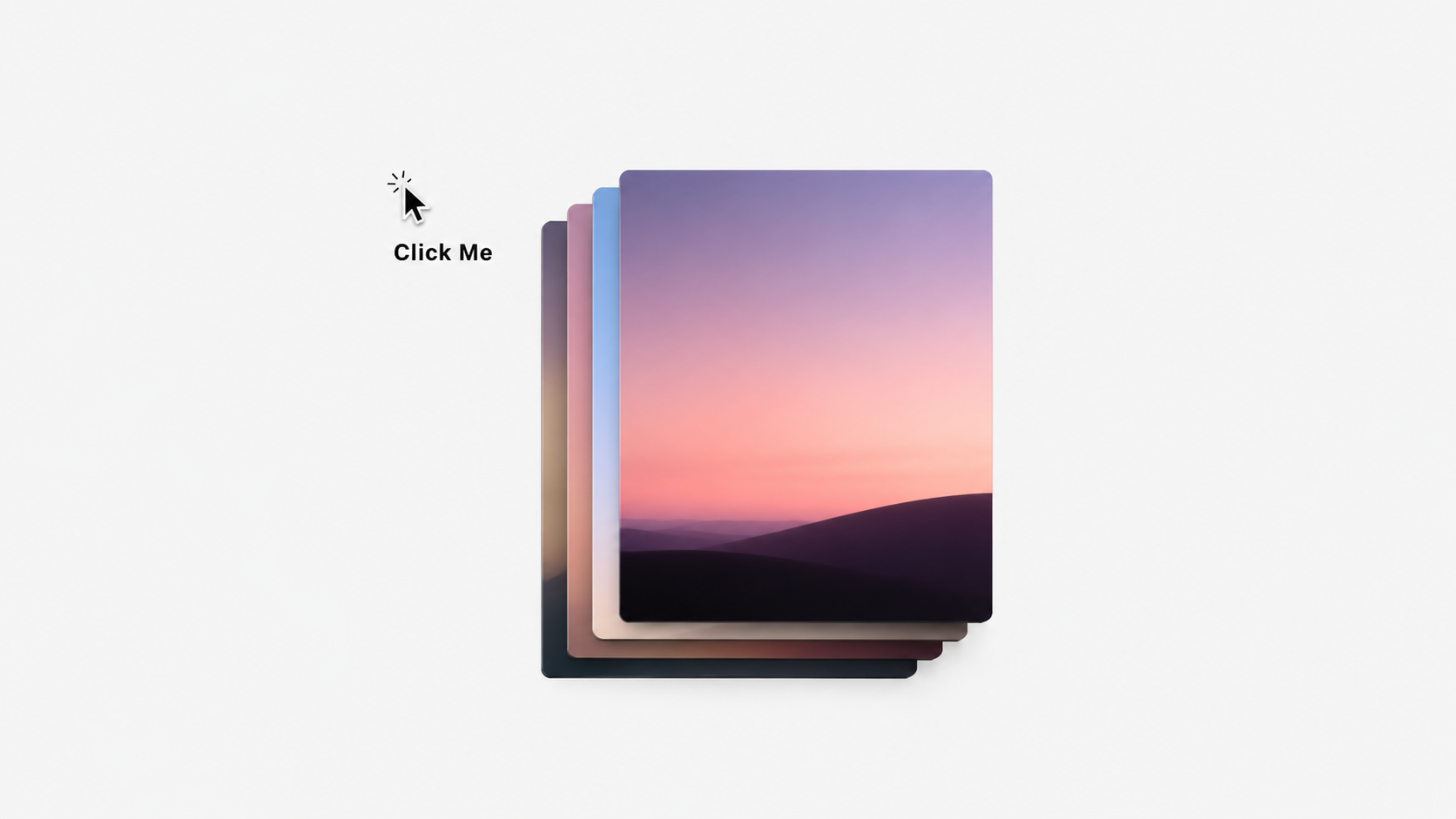
Let visitors click to reveal and build a stack of hidden images that drop down onto the page. A fun, interactive way to showcase portfolios, products, or visual content.
Plugin Details
Live Plugin Demo
Works with Squarespace 7.1 (Fluid Engine)
Requires Core/Business Plan or Higher
Uses Custom CSS, Code Injection and Code Block
Only Compatible On Desktop
What’s Included
Step-by-Step Install Guide
Multi-Site License
Personal & Client Use Ok
Friendly Support
Free Future Updates
Customizable Options
Drop Animation Speed
Drop Animation Timer
Custom “Click” Word Text
Click Word Color
Click Word Size
Click Word Font Weight
Click Word Font Family
Stacked Image Height (Applies To All Images)
Stacked Image Width (Applies To All Images)
Spacing Between “Click” and Images
Image Border Radius
Image Border Style
Note: Only compatible on desktop with a maximum limit of 10 images. Applies only to the page sections you choose.
Pro Access (Membership)
Unlimited access to this plugin and the Super Plugin Library.
Buy Now (Single Purchase)
Purchase this plugin with a multi-site license.
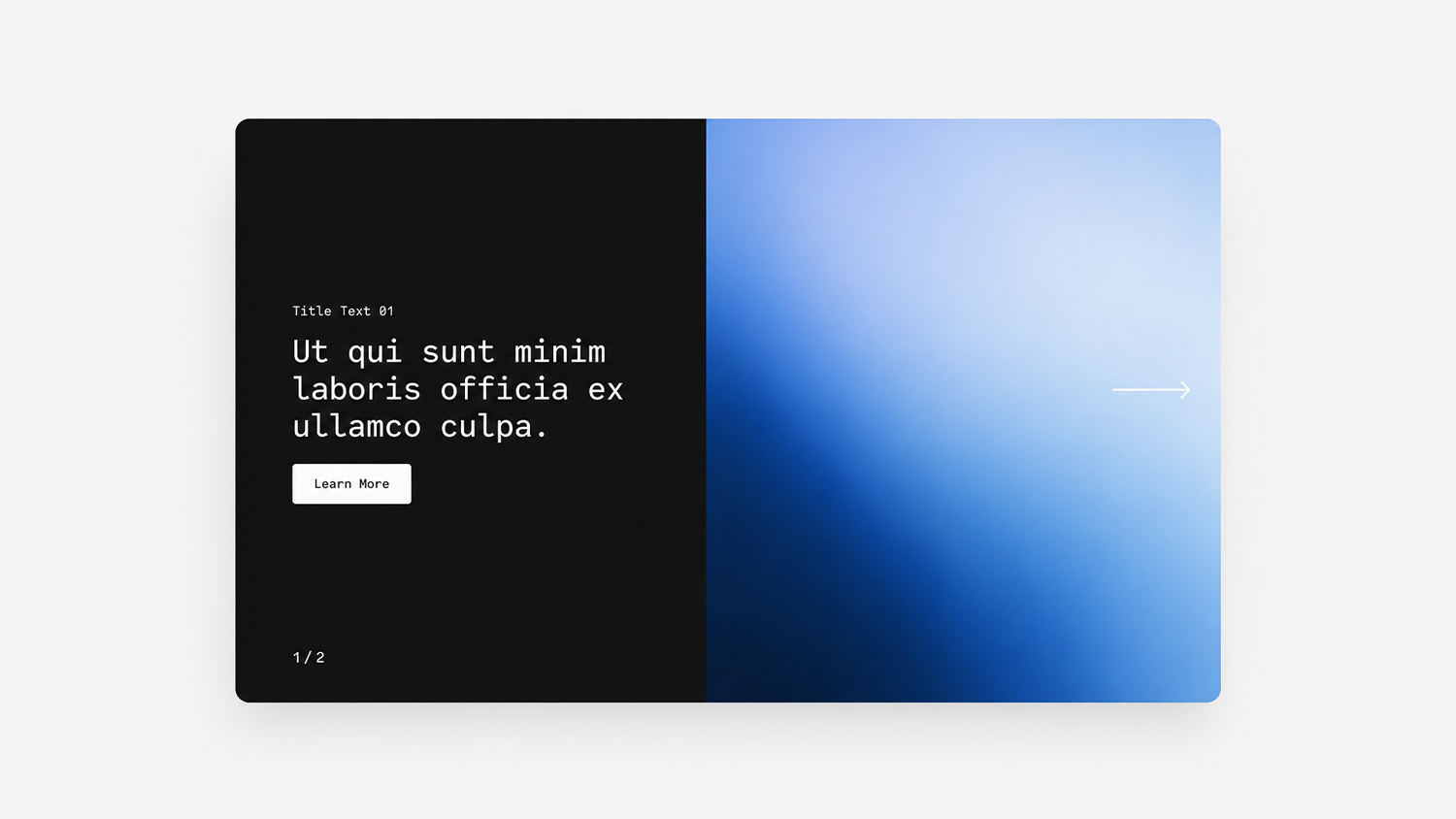
Create a rotating image slider with alternating background colors that change as visitors move between each slide.
Plugin Details
Live Plugin Demo
Works with Squarespace 7.1
Requires Core/Business Plan or Higher
Uses CSS Editor and Code Injection
What’s Included
Step-by-Step Install Guide
Multi-Site License
Personal & Client Use Ok
Friendly Support
Free Future Updates
Customizable Options
Autoplay (On or Off)
Autoplay Duration
Button Text (Applies To All Slides)
Slider Width
Image Height (Desktop and Mobile)
Slider Background Colors (Assign Per Slide)
Arrow Color
Slider Padding (Top and Bottom)
Counter Font Size and Color
Title Size and Color
Excerpt Size, Color, Line Height, and Spacing
Button Font Size, Background, Padding, and Border Radius
Note: Requires the Carousel Summary Block and cannot be used with other plugins that also target the Carousel Summary Block. Squarespace's native Carousel style will not be available while using.
Pro Access (Membership)
Unlimited access to this plugin and the Super Plugin Library.
Buy Now (Single Purchase)
Purchase this plugin with a multi-site license.
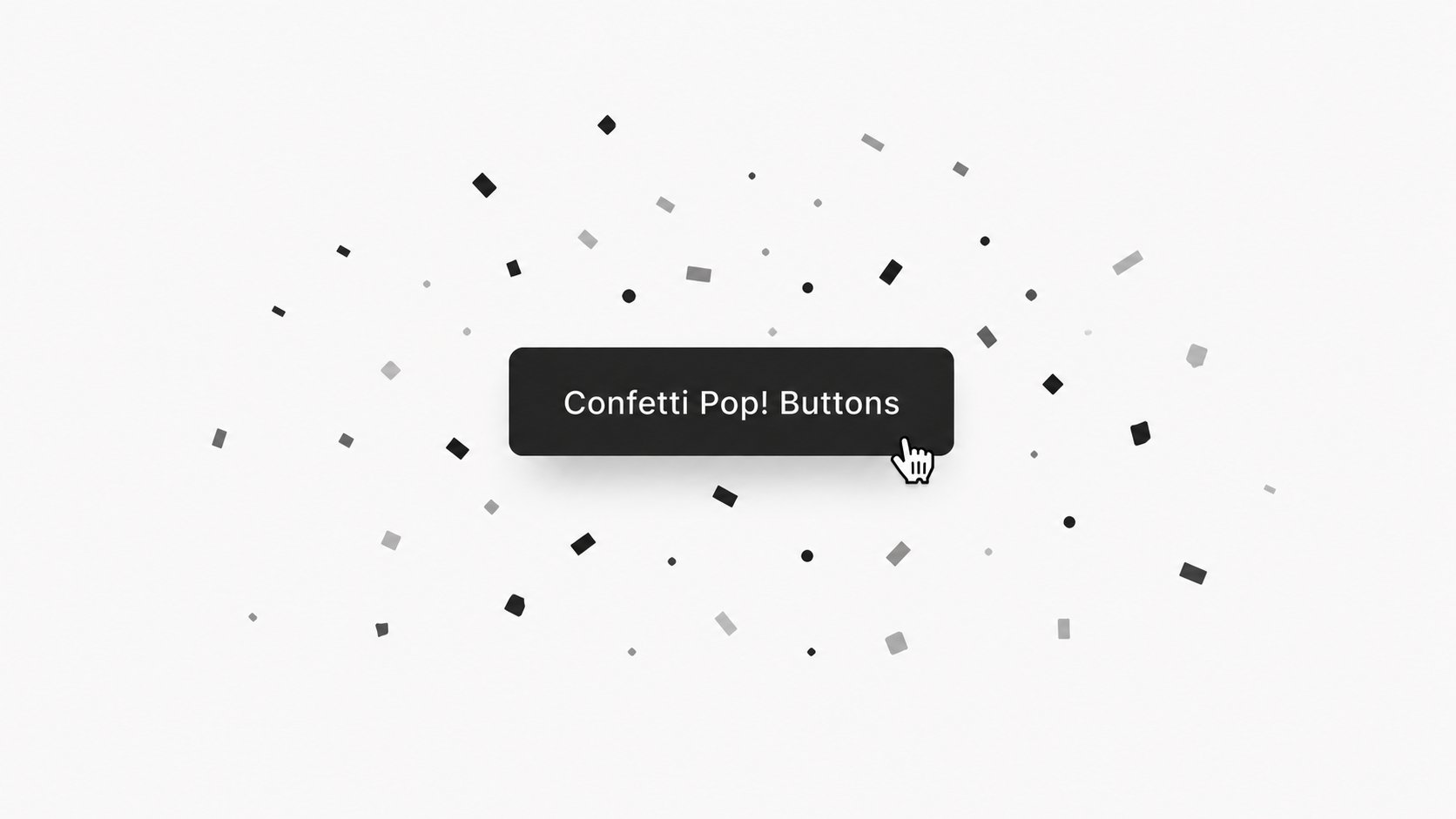
Add a playful confetti effect whenever visitors click a button to create a more engaging, celebratory interaction and bring a little extra personality to your Squarespace website.
Plugin Details
Live Plugin Demo
Works with Squarespace 7.1
Requires Core/Business Plan or Higher
Uses Code Injection
Compatible With Button Blocks and Header Button
What’s Included
Step-by-Step Install Guide
Multi-Site License
Personal & Client Use Ok
Friendly Support
Free Future Updates
Customizable Options
Confetti Colors (Up To 5 Colors)
Confetti Pop Distance
Number of Confetti
Loop Confetti Pop After Click (On or Off)
Delay In Confetti Pop (If Loop Is On)
Duration of Confetti Pop
Redirect Delay
By default, applies to the Primary Button Block. Can also be applied to the Secondary Button Block, Tertiary Button Block, or Header Button.
Pro Access (Membership)
Unlimited access to this plugin and the Super Plugin Library.
Buy Now (Single Purchase)
Purchase this plugin with a multi-site license.
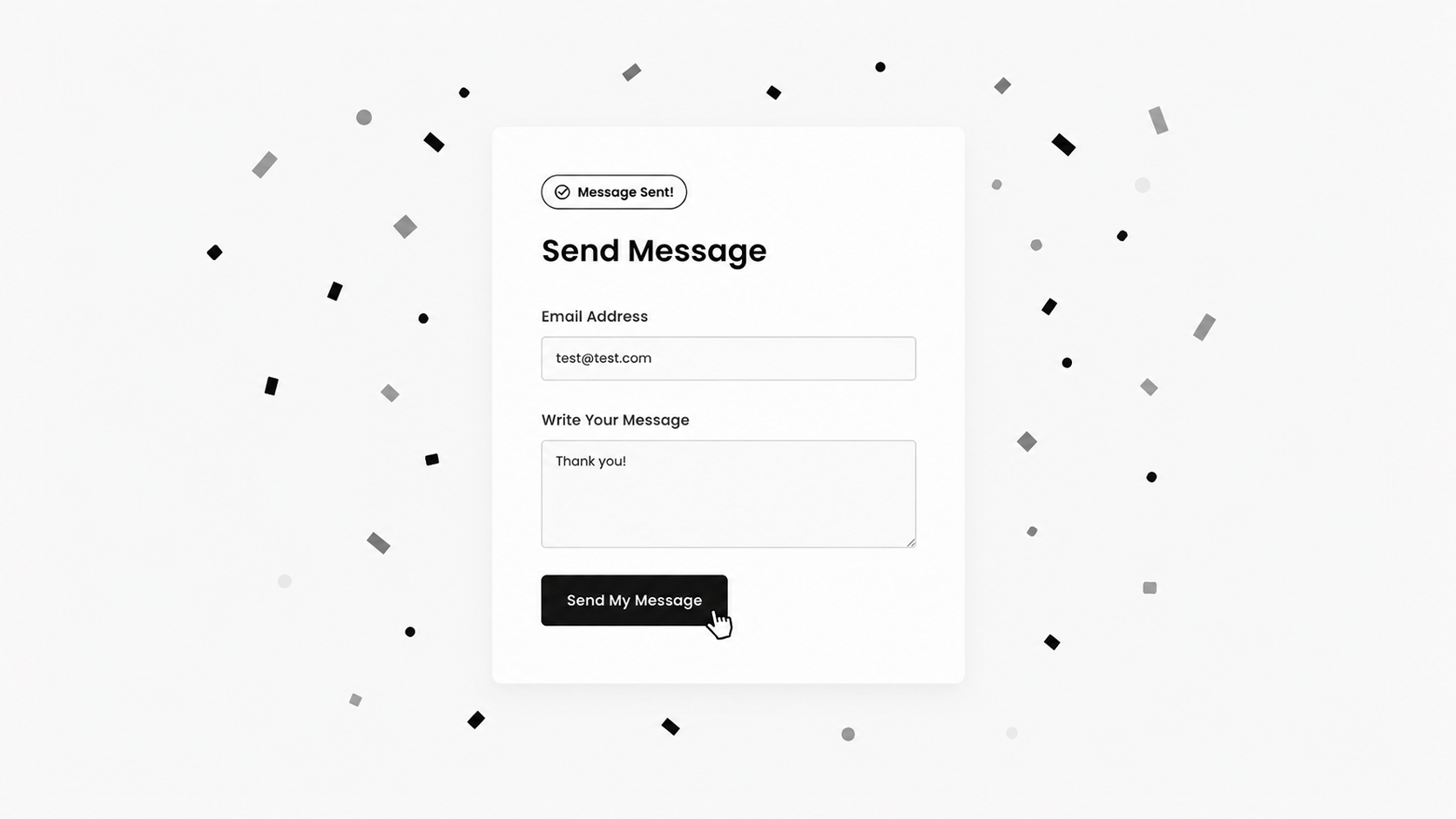
Turn form submissions into a mini celebration with a playful confetti effect after visitors complete your contact or newsletter forms. A fun way to make interactions feel more rewarding.
Plugin Details
Live Plugin Demo
Works with Squarespace 7.0 (Brine) and 7.1
Requires Core/Business Plan or Higher
Uses Code Injection and Form’s HTML Box
Compatible with Form Block and Newsletter Block
What’s Included
Step-by-Step Install Guide
Multi-Site License
Personal & Client Use Ok
Friendly Support
Free Future Updates
Customizable Options
Confetti Colors (Up To 5 Colors)
Confetti Pop Distance
Number of Confetti
Loop Confetti Pop After Submission (On or Off)
Delay In Confetti Pop (If Loop Is On)
Pro Access (Membership)
Unlimited access to this plugin and the Super Plugin Library.
Buy Now (Single Purchase)
Purchase this plugin with a multi-site license.
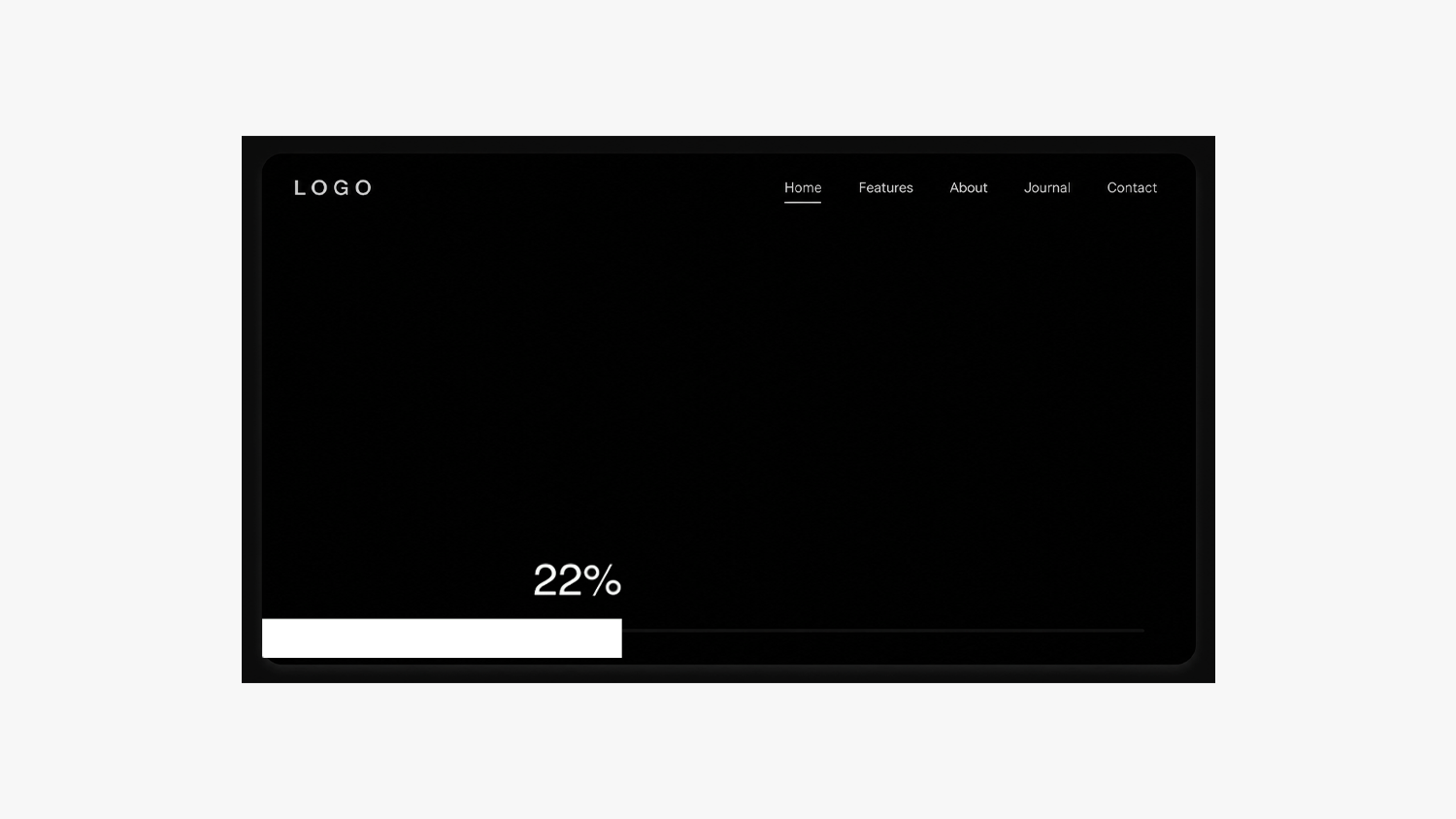
Add a unique scroll progress bar to your Squarespace website that visually guides visitors as they move through your content.
Plugin Details
Live Plugin Demo
Works with Squarespace 7.0 (Brine) and 7.1
Requires Core/Business Plan or Higher
Uses CSS Editor and Code Injection
What’s Included
Step-by-Step Install Guide
Multi-Site License
Personal & Client Use Ok
Friendly Support
Free Future Updates
Customizable Options
Scroll Bar Height and Color
Scroll Bar Position (Top or Bottom)
Hide or Show Scroll Bar Text
Scroll Bar Text Size, Color, and Offset Position
Remove or Change The % Character
Pro Access (Membership)
Unlimited access to this plugin and the Super Plugin Library.
Buy Now (Single Purchase)
Purchase this plugin with a multi-site license.

Create a draggable, image-based mood board that lets visitors explore and interact with your visuals in a more playful, immersive way.
Plugin Details
Live Plugin Demo
Works with Squarespace 7.1 (Fluid Engine)
Requires Core/Business Plan or Higher
Uses Custom CSS, Code Injection and Code Block
Only Compatible On Desktop
What’s Included
Step-by-Step Install Guide
Multi-Site License
Personal & Client Use Ok
Friendly Support
Free Future Updates
Customizable Options
Cursor Style (Grab or Move)
Image Border Radius
Image Border Style
Expand On Hover
Tilt On Hover
Hover Speed
Hide On Mobile
Minimum Image Height
Maximum Image Height
Image Spread Distance
Note: Only compatible on desktop with a limit of 20 images. Images on mobile will appear in a more random stacked style – or you can hide the images with an included hide option
Pro Access (Membership)
Unlimited access to this plugin and the Super Plugin Library.
Buy Now (Single Purchase)
Purchase this plugin with a multi-site license.
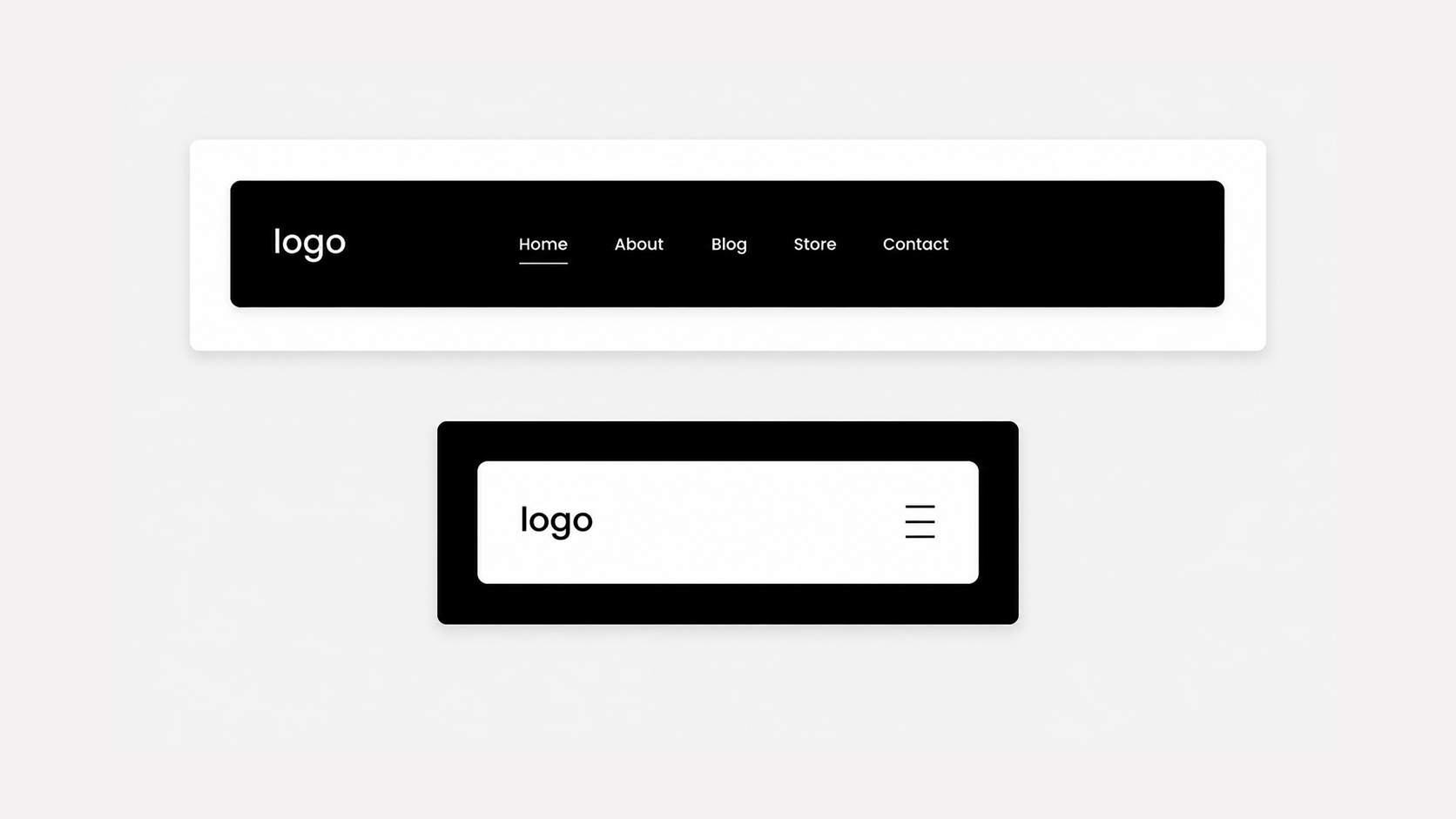
Transform your header into a floating navigation bar that stays visible as visitors scroll. A simple way to create a cleaner, more modern browsing experience.
Plugin Details
Live Plugin Demo
Works with Squarespace 7.1
Requires Basic/Personal Plan or Higher
Uses CSS Editor
Compatible With All Header Layouts
What’s Included
Step-by-Step Install Guide
Multi-Site License
Personal & Client Use Ok
Friendly Support
Free Future Updates
Customizable Options
Header Width
Header Padding
Header Border Radius
Header Top Spacing
Header Left or Center Alignment
Customize Header Style (Color, Layout, Etc) via Squarespace Settings
Pro Access (Membership)
Unlimited access to this plugin and the Super Plugin Library.
Buy Now (Single Purchase)
Purchase this plugin with an multi-site license.
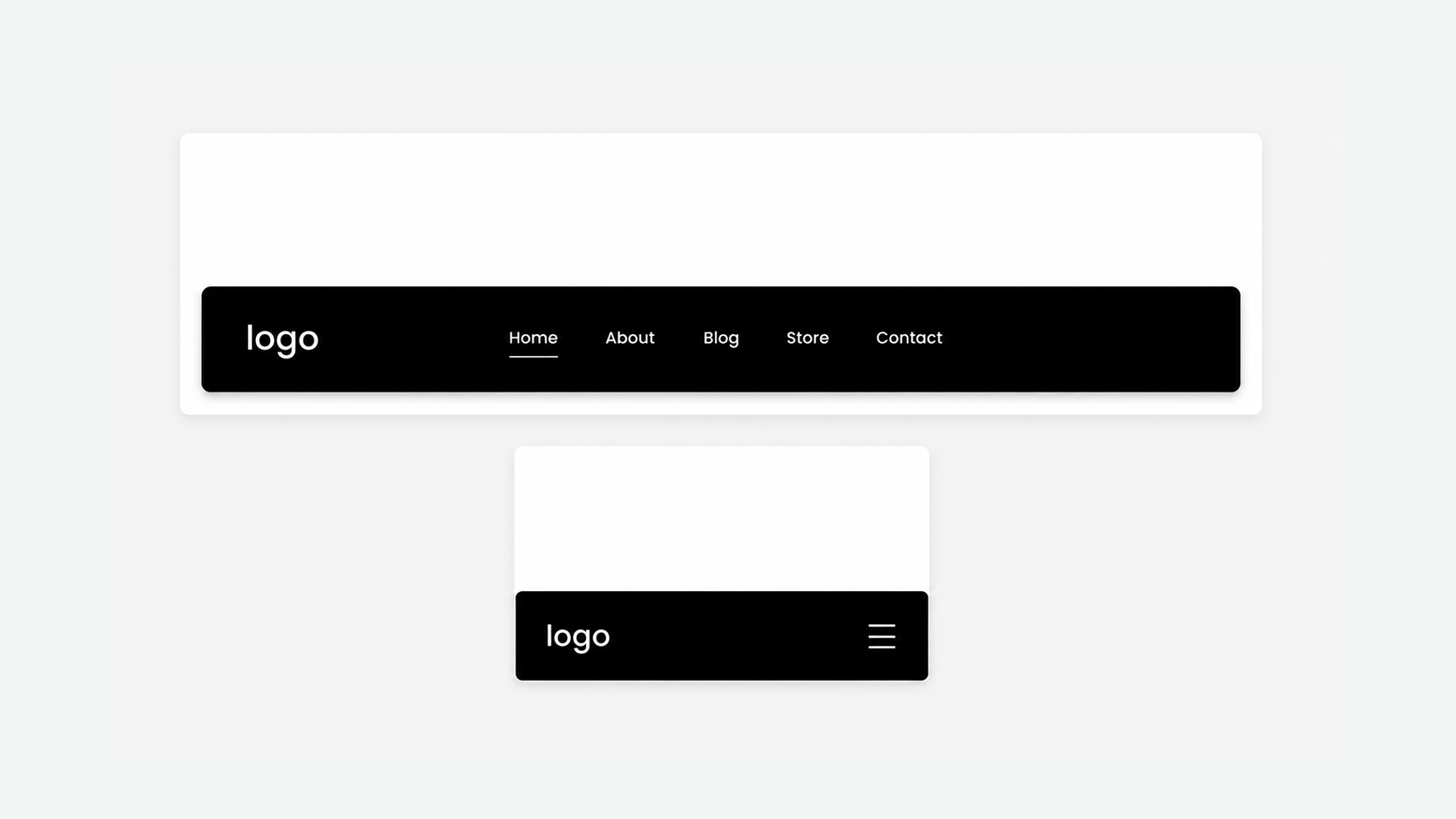
Move your header to the bottom of the screen for a fresh, app-inspired navigation experience. Keep important links easier to reach while giving your Squarespace website a modern feel.
Plugin Details
Live Plugin Demo
Works with Squarespace 7.1
Requires Basic/Personal Plan or Higher
Uses CSS Editor
Compatible On Desktop and Mobile
Compatible With All Header Layouts
What’s Included
Step-by-Step Install Guide
Multi-Site License
Personal & Client Use Ok
Friendly Support
Free Future Updates
Customizable Options
Customize the header like normal with Squarespace style settings
Pro Access (Membership)
Unlimited access to this plugin and the Super Plugin Library.
Buy Now (Single Purchase)
Purchase this plugin with a multi-site license.
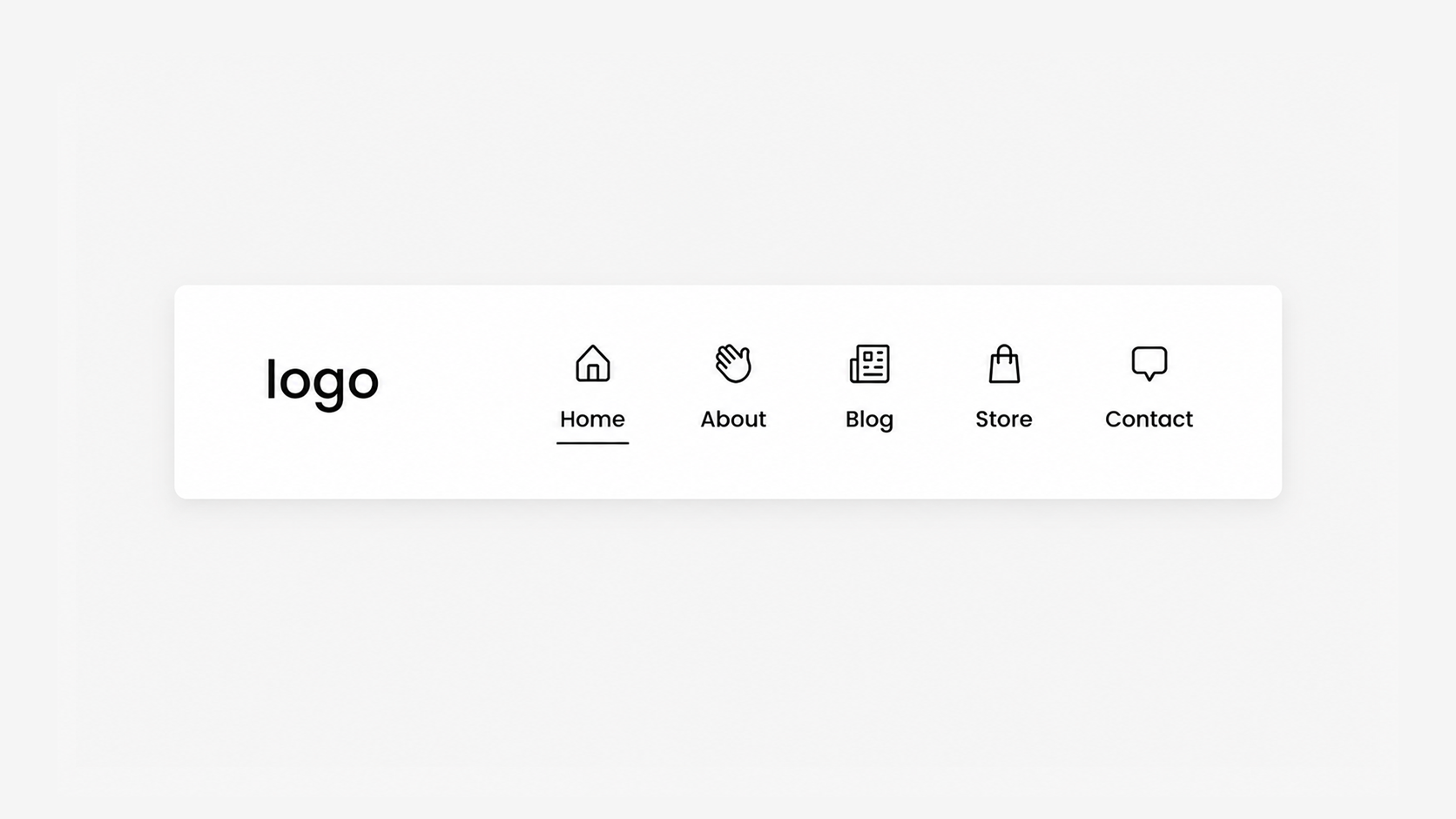
Add custom icons above your header navigation links to create a more visual, branded browsing experience. A simple way to make your Squarespace menu feel more unique and engaging.
Plugin Details
Live Plugin Demo
Works with Squarespace 7.1
Requires Basic/Personal Plan or Higher
Uses CSS Editor
Only Compatible On Desktop
Compatible With All Desktop Header Layouts
What’s Included
Step-by-Step Install Guide
Multi-Site License
Personal & Client Use Ok
Friendly Support
Free Future Updates
Customizable Options
Your Own Icons (Up To 6)
Icon Size
Icon Spacing
Note: This plugin does not include icons and you must use your own. The Noun Project, Feather Icons, and Font Awesome are great resources for icons.
Pro Access (Membership)
Unlimited access to this plugin and the Super Plugin Library.
Buy Now (Single Purchase)
Purchase this plugin with a multi-site license.
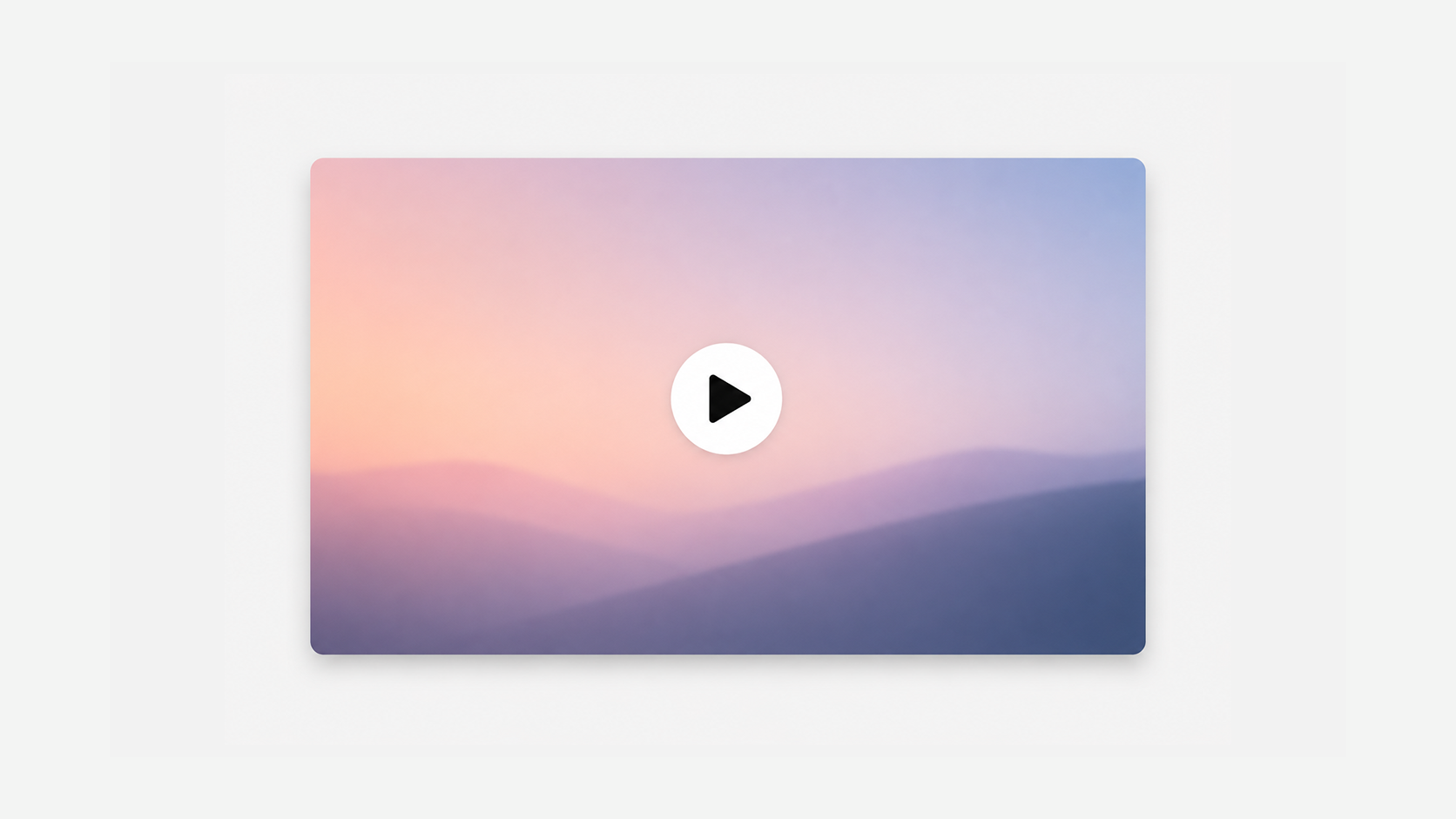
Add a video lightbox to navigation links, buttons, images, or hyperlinks to create a cleaner, more immersive viewing experience.
Plugin Details
Live Plugin Demo
Works with Squarespace 7.0 (Brine) and 7.1
Requires Core/Business Plan or Higher
Compatible with YouTube and Vimeo Videos
Uses CSS Editor and Code Injection
What’s Included
Step-by-Step Install Guide
Multi-Site License
Personal & Client Use Ok
Friendly Support
Free Future Updates
Customizable Options
Lightbox Max Width
Overlay Color
Overlay Opacity
Border Radius
Border Style
Close X Icon Color
Top Padding
Side Padding
Side Padding (Mobile)
Note: Videos set to open in a lightbox must be either a YouTube or Vimeo link. Direct file uploads are not compatible.
Pro Access (Membership)
Unlimited access to this plugin and the Super Plugin Library.
Buy Now (Single Purchase)
Purchase this plugin with a multi-site license.
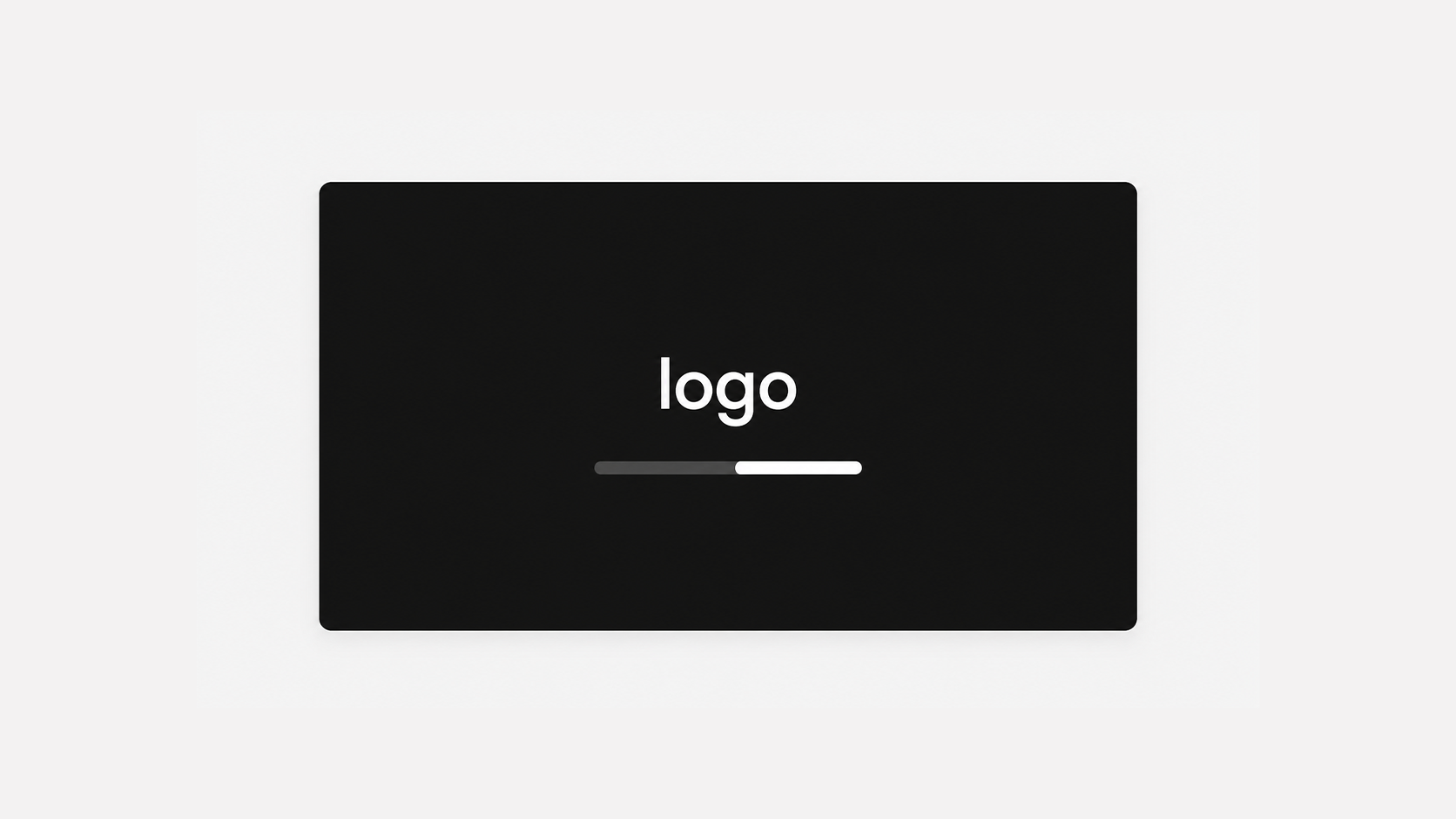
Create a memorable first impression with a custom logo or text loading screen that adds a more branded, intentional feel to your Squarespace website.
Plugin Details
Live Plugin Demo
Works with Squarespace 7.1
Requires Core/Business Plan or Higher
Uses Code Injection and CSS Editor
What’s Included
Step-by-Step Install Guide
Multi-Site License
Personal & Client Use Ok
Friendly Support
Free Future Updates
Customizable Options
Show Text or Logo
Custom Text or Logo
Loading Screen Time
Loading Screen Fade Out Speed
Show Only Once or Each Page Load
Show or Hide Loading Bar
Custom Text Color
Custom Text or Logo Size
Loading Bar Colors
Loading Bar Height
Loading Bar Width
Loading Bar Border Radius
Background Color or Blur Effect
Blur Amount (More or Less Blur)
Background Image
Pro Access (Membership)
Unlimited access to this plugin and the Super Plugin Library.
Buy Now (Single Purchase)
Purchase this plugin with a multi-site license.
Create a memorable first impression with a custom logo or text loading screen that adds a more branded, intentional feel to your Squarespace website.
Plugin Details
Live Plugin Demo
Works with Squarespace 7.1
Requires Core/Business Plan or Higher
Uses Code Injection and CSS Editor
What’s Included
Step-by-Step Install Guide
Multi-Site License
Personal & Client Use Ok
Friendly Support
Free Future Updates
Customizable Options
Show Text or Logo
Custom Text or Logo
Loading Screen Time
Loading Screen Fade Out Speed
Show Only Once or Each Page Load
Show or Hide Loading Circle
Loading Circle Color
Loading Circle Size
Loading Circle Position (Left or Top)
Loading Circle Spacing (Right and Bottom)
Custom Text Color
Custom Text or Logo Size
Background Color or Blur Effect
Blur Amount (More or Less Blur)
Background Image
Pro Access (Membership)
Unlimited access to this plugin and the Super Plugin Library.
Buy Now (Single Purchase)
Purchase this plugin with a multi-site license.
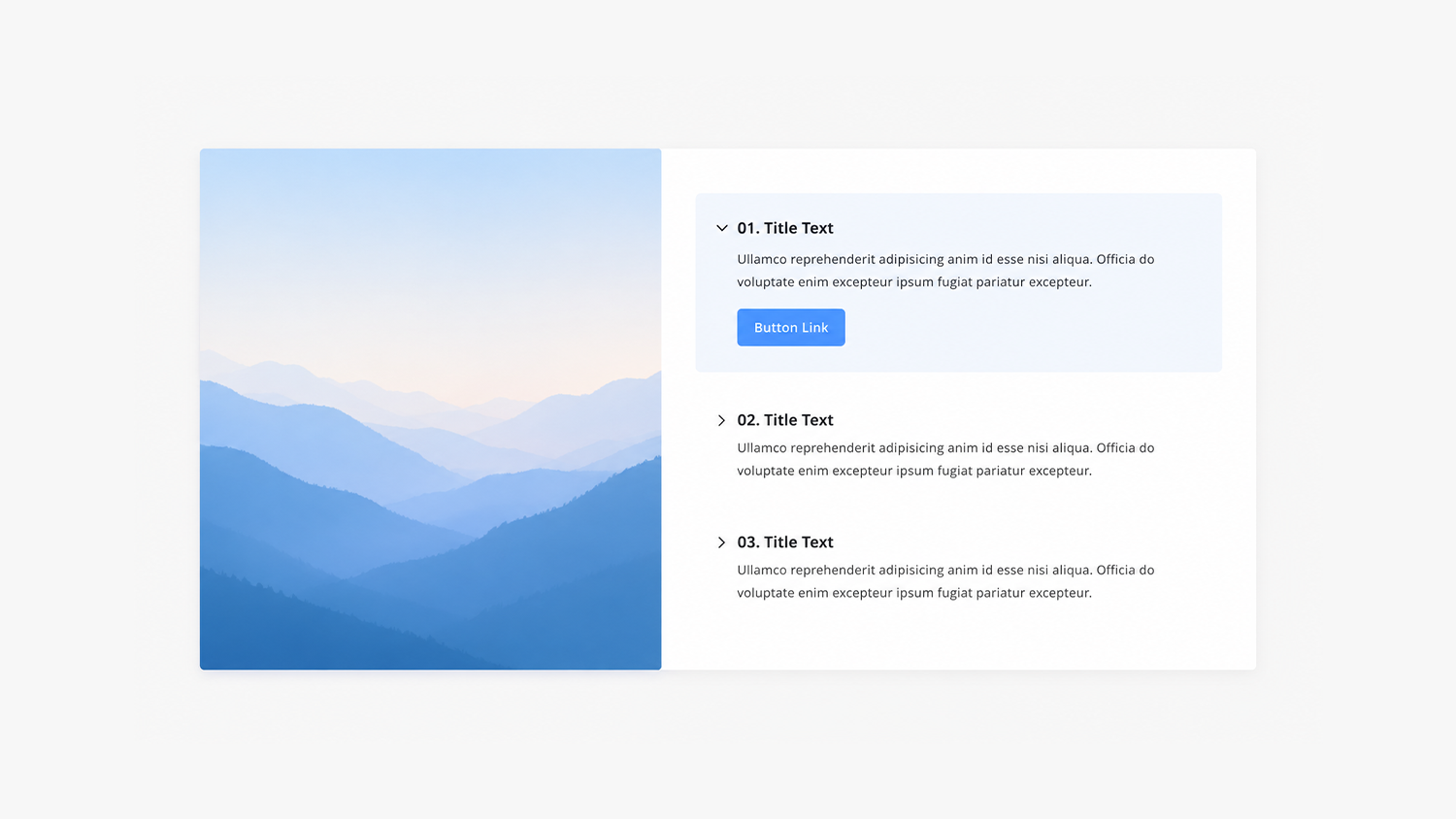
Create a rotating image display paired with clickable captions that control which image is shown for a more interactive browsing experience.
Plugin Details
Live Plugin Demo
Works with Squarespace 7.0 (Brine) and 7.1
Requires Core/Business Plan or Higher
Uses CSS Editor and Code Injection
What’s Included
Step-by-Step Install Guide
Multi-Site License
Personal & Client Use Ok
Friendly Support
Free Future Updates
Customizable Options
Caption Background Color (Active)
Caption Background Color (Not Active)
Image Height (Desktop and Mobile)
Image Border Radius
Title Text Size, Color, and Weight
Description Text Size and Color
Button Color, Text Color
Button Padding and Top Spacing
Button Border Style and Radius
Note: Requires the Carousel Summary Block and cannot be used with other plugins that also target the Carousel Summary Block. Squarespace's native Carousel style will not be available while using.
Pro Access (Membership)
Unlimited access to this plugin and the Super Plugin Library.
Buy Now (Single Purchase)
Purchase this plugin with a multi-site license.
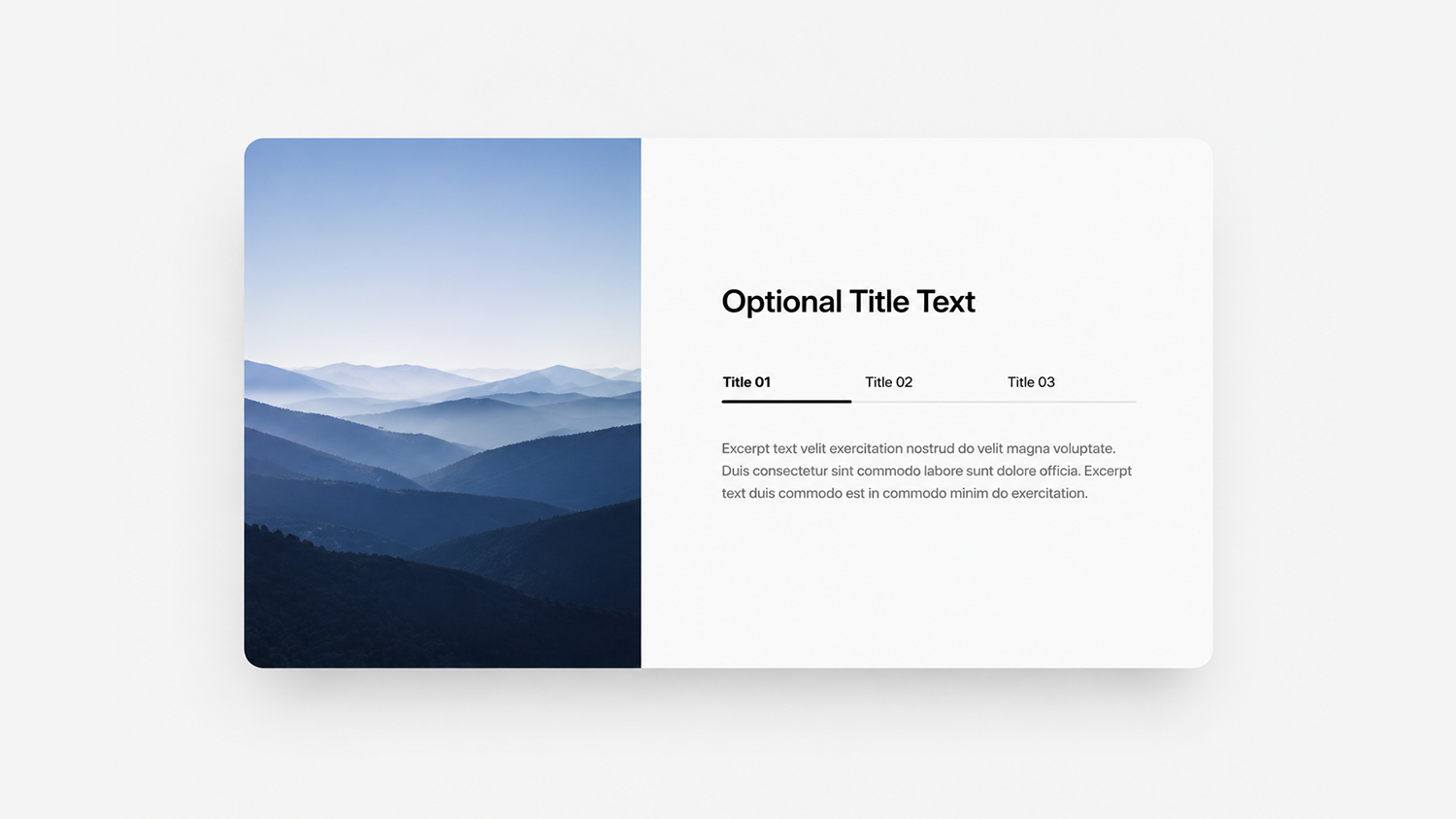
Create a rotating image display paired with corresponding drop-down tabs for a more organized, interactive way to present content.
Plugin Details
Live Plugin Demo
Works with Squarespace 7.1
Requires Core/Business Plan or Higher
Uses CSS Editor and Code Injection
What’s Included
Step-by-Step Install Guide
Multi-Site License
Personal & Client Use Ok
Friendly Support
Free Future Updates
Customizable Options
Max Width and Text Alignment
Image Height and Position (Left or Right)
Image Border Radius
Optional Title Text
Title Size and Color
Tabs Size and Color
Excerpt Size and Color
Note: Requires the Carousel Summary Block and cannot be used with other plugins that also targets Carousel Summary Block. Squarespace's native Carousel style will not be available while using.
Pro Access (Membership)
Unlimited access to this plugin and the Super Plugin Library.
Buy Now (Single Purchase)
Purchase this plugin with a multi-site license.
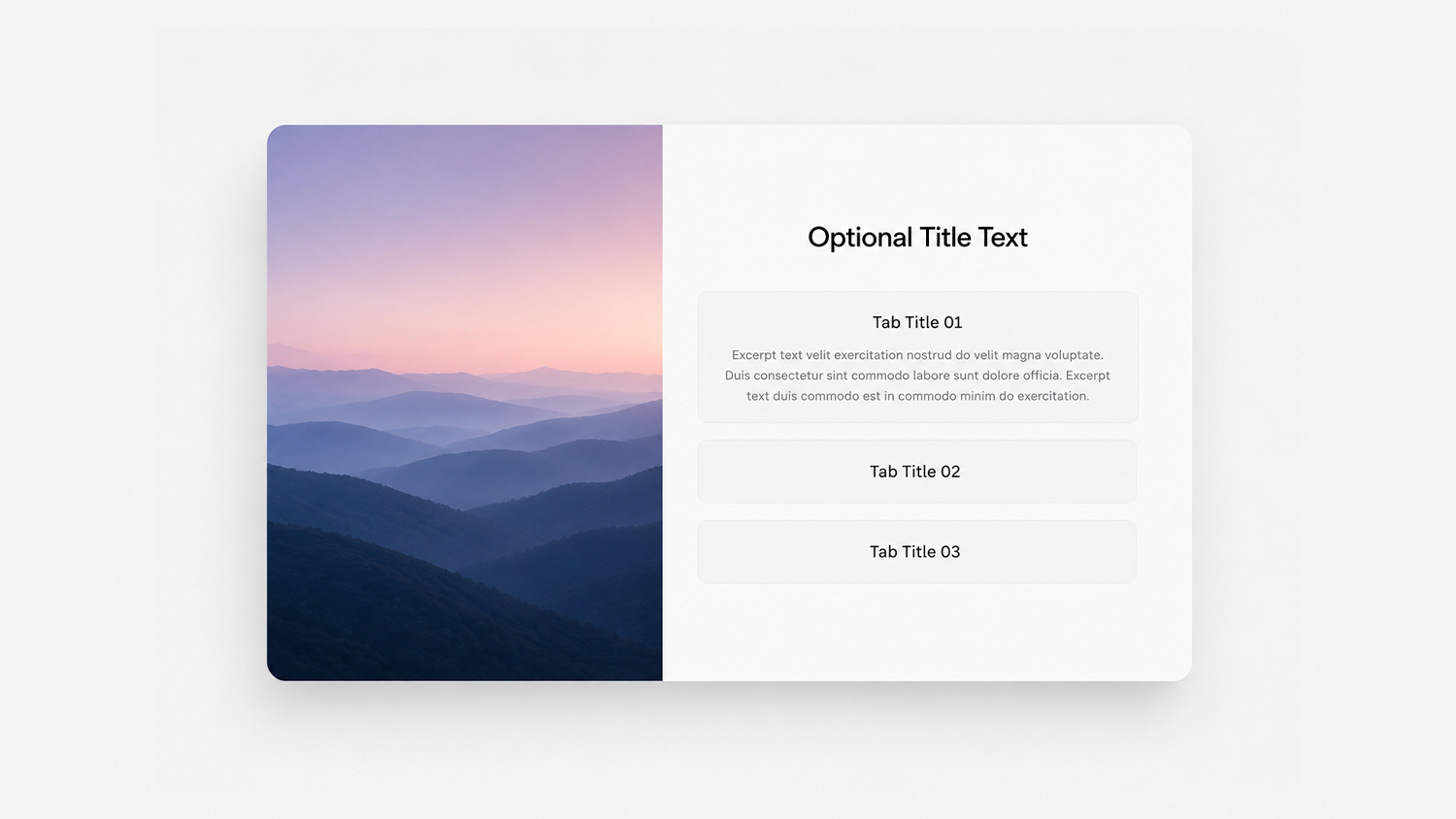
Create a rotating image display paired with corresponding drop-down tabs for a more organized, interactive way to present content.
Plugin Details
Live Plugin Demo
Works with Squarespace 7.1
Requires Core/Business Plan or Higher
Uses CSS Editor and Code Injection
What’s Included
Step-by-Step Install Guide
Multi-Site License
Personal & Client Use Ok
Friendly Support
Free Future Updates
Customizable Options
Max Width and Text Alignment
Image Height and Position (Left or Right)
Image Border Radius
Optional Title Text
Title Size and Color
Tabs Size and Color
Excerpt Size and Color
Tabs Background Color
Tabs Border Style and Radius
Tabs Padding and Spacing
Note: Requires the Carousel Summary Block and cannot be used with other plugins that also target the Carousel Summary Block. Squarespace's native Carousel style will not be available while using.
Pro Access (Membership)
Unlimited access to this plugin and the Super Plugin Library.
Buy Now (Single Purchase)
Purchase this plugin with a multi-site license.
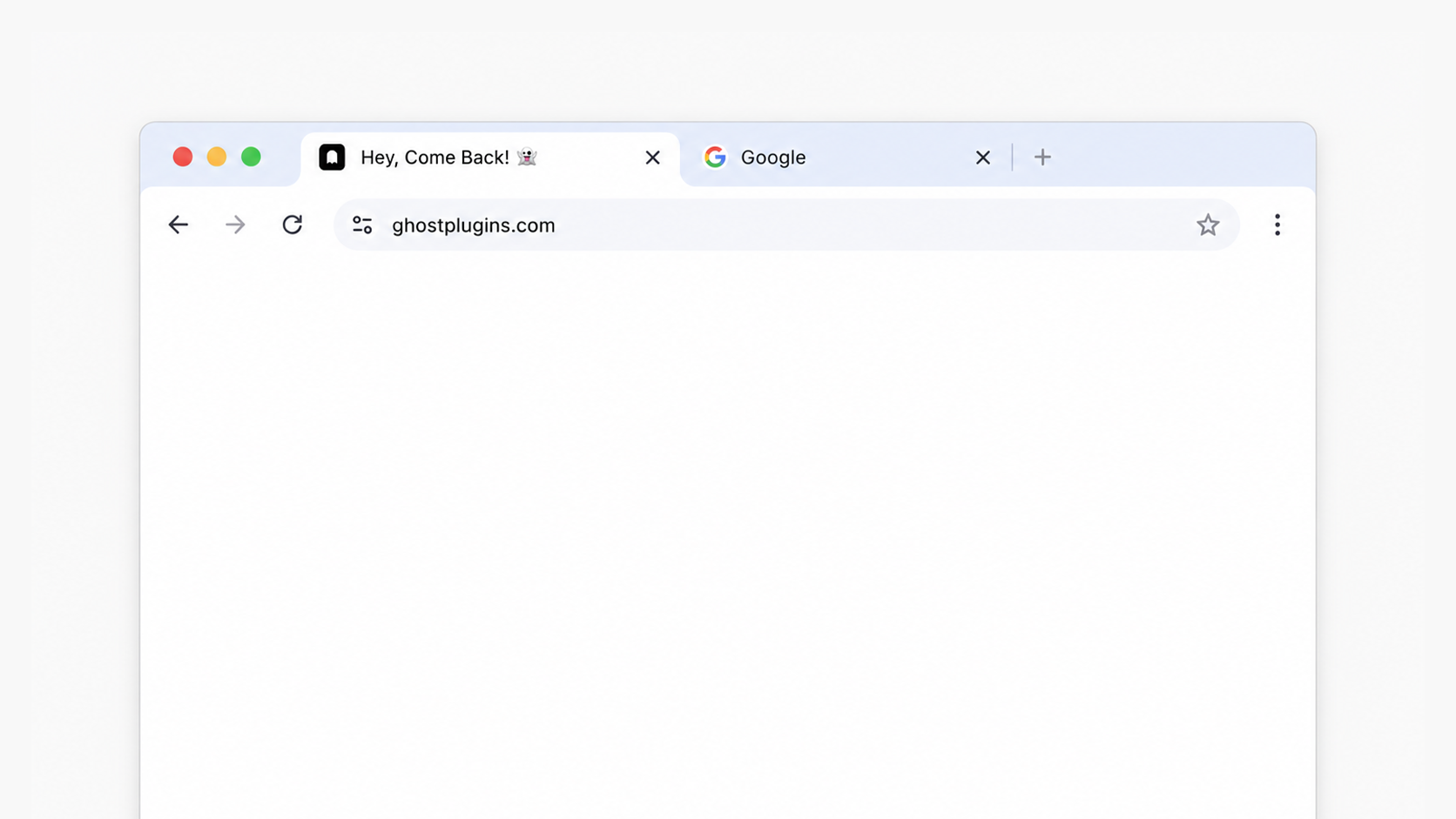
Display a personalized browser tab message when visitors leave your website to capture attention and encourage them to come back.
Plugin Details
Live Plugin Demo
Uses Header Code Injection
Requires Core/Business Plan or Higher
Compatible with Chrome, Safari, Firefox, Edge, Opera
What’s Included
Step-by-Step Install Guide
Multi-Site License
Personal & Client Use Ok
Friendly Support
Free Future Updates
Customizable Options
Custom Tab Text
Pro Access (Membership)
Unlimited access to this plugin and the Super Plugin Library.
Buy Now (Single Purchase)
Purchase this plugin with a multi-site license.
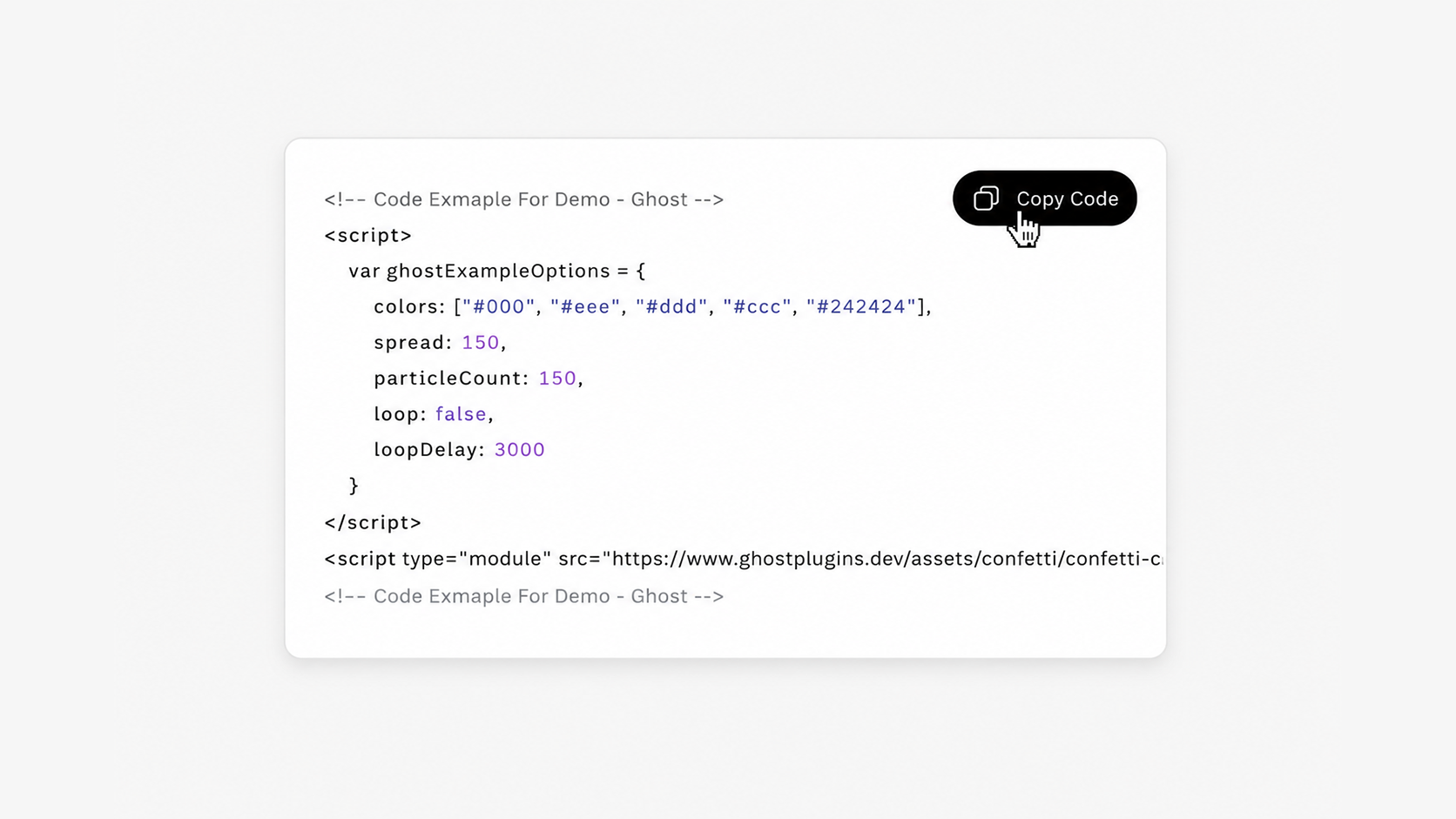
If you share copy-and-paste code snippets with your audience, this plugin is a simple way to create a cleaner, more user-friendly experience.
Plugin Details
Live Plugin Demo
Works with Squarespace 7.1
Requires Core/Business Plan or Higher
Uses Code Injection, Custom CSS, and Code Block
What’s Included
Step-by-Step Install Guide
Multi-Site License
Personal & Client Use Ok
Friendly Support
Free Future Updates
Customizable Options
Copy Button Background Color
Copy Button Font Size, Color, Family
Copy Button Border Radius
Copy Button Padding and Side Spacing
Copy Button Opacity on Hover
Copy Icon Size and Color
Copy Icon Spacing
Code Block Background Color
Code Block Font Size, Color, and Famly
Code Block Line Height
Code Block Padding
Code Block Border Style and Radius
Pro Access (Membership)
Unlimited access to this plugin and the Super Plugin Library.
Buy Now (Single Purchase)
Purchase this plugin with a multi-site license.
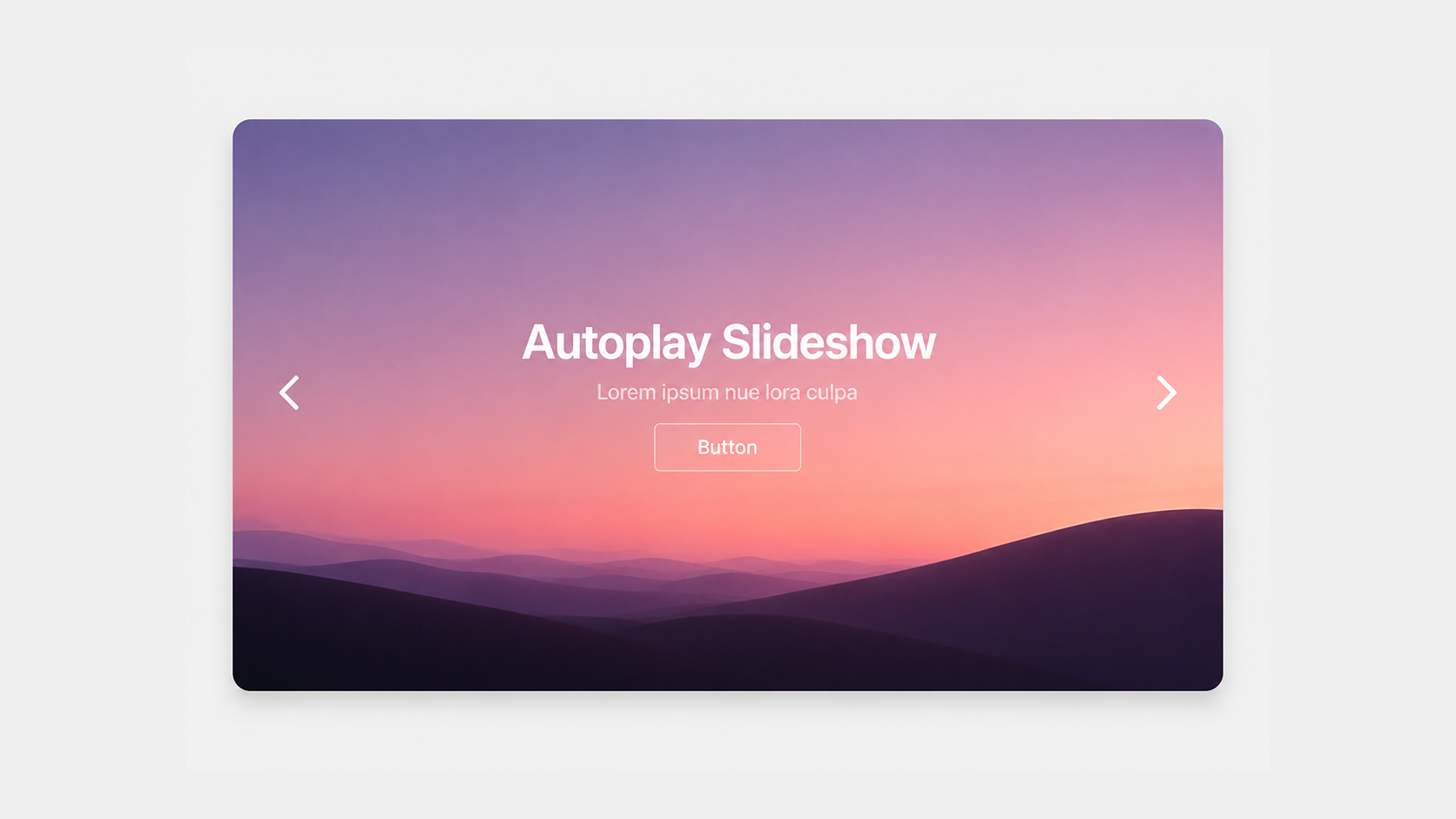
Create a full-width slideshow in Squarespace 7.1 complete with headline text and clickable buttons on each slide for a more engaging experience.
Plugin Details
Live Plugin Demo
Works with Squarespace 7.1
Requires Core/Business Plan or Higher
Uses CSS Editor and Code Injection
What’s Included
Step-by-Step Install Guide
Multi-Site License
Personal & Client Use Ok
Friendly Support
Free Future Updates
Customizable Options
Transparent Header
Text Alignment (Left, Center, or Right)
Autoplay On or Off
Autoplay Timer
Title Size and Color
Subtitle Size and Color
Text Drop Shadow
Slideshow Height
Note: Requires the List Summary Block and cannot be used with other plugins that also target the List Summary Block. Squarespace's native List style will not be available while using.
Pro Access (Membership)
Unlimited access to this plugin and the Super Plugin Library.
Buy Now (Single Purchase)
Purchase this plugin with a multi-site license.
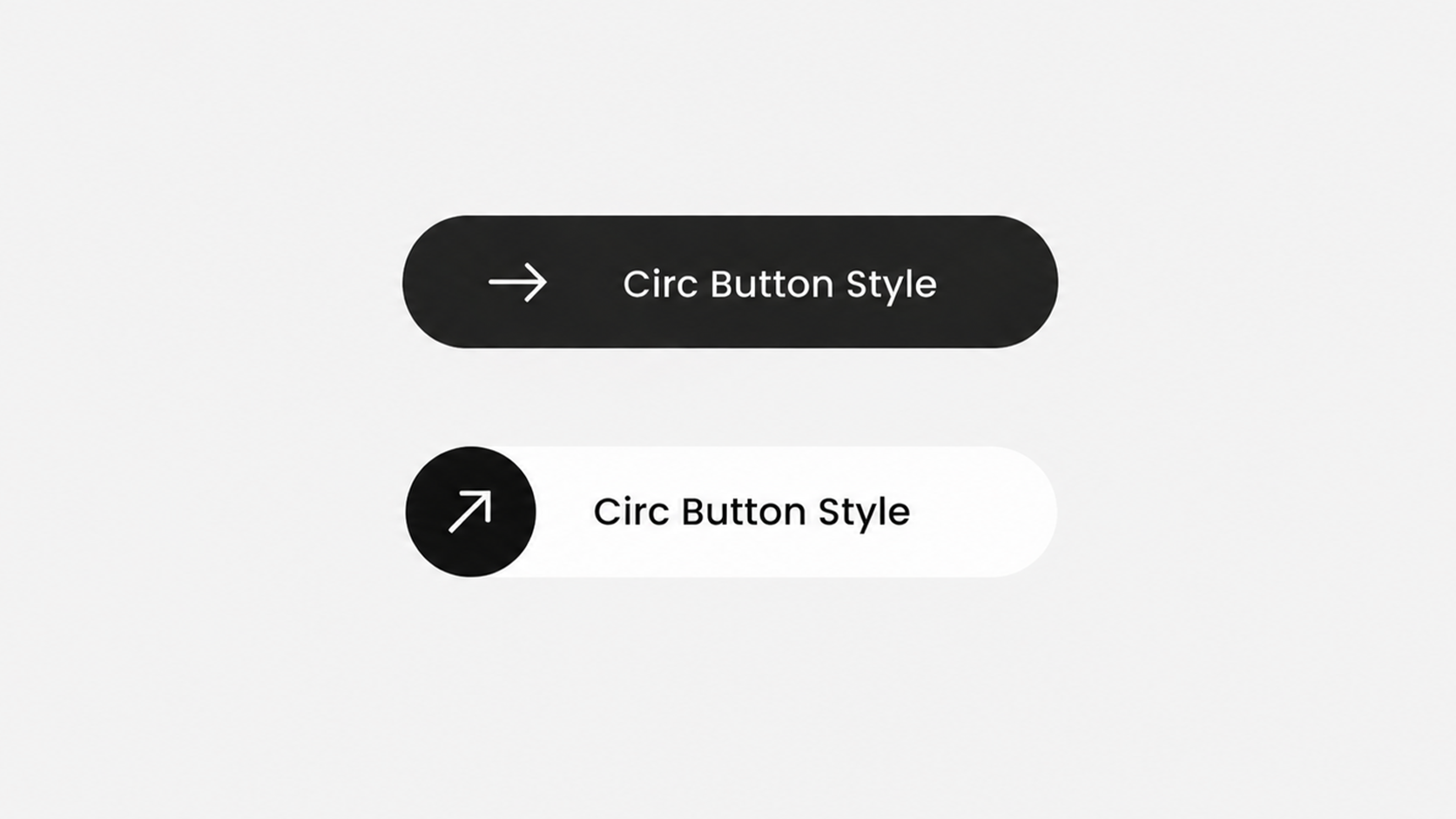
Enhance your primary button block with a sleek arrow hover animation designed to draw attention and encourage clicks.
Plugin Details
Live Plugin Demo
Works with Squarespace 7.1 (Fluid Engine)
Requires Core/Business Plan or Higher
Uses Custom CSS and Code Injection
Applies To Primary Button Block
What’s Included
Step-by-Step Install Guide
Multi-Site License
Personal & Client Use Ok
Friendly Support
Free Future Updates
Customizable Options
Button Font Color
Button Font Color (On Hover)
Button Background Color
Button Height
Button Border Radius
Button Border Style
Arrow Size
Arrow Color
Arrow Background Color
Applies to the Primary Button Block. Secondary and Tertiary Button Blocks will still be available like normal.
Pro Access (Membership)
Unlimited access to this plugin and the Super Plugin Library.
Buy Now (Single Purchase)
Purchase this plugin with a multi-site license.
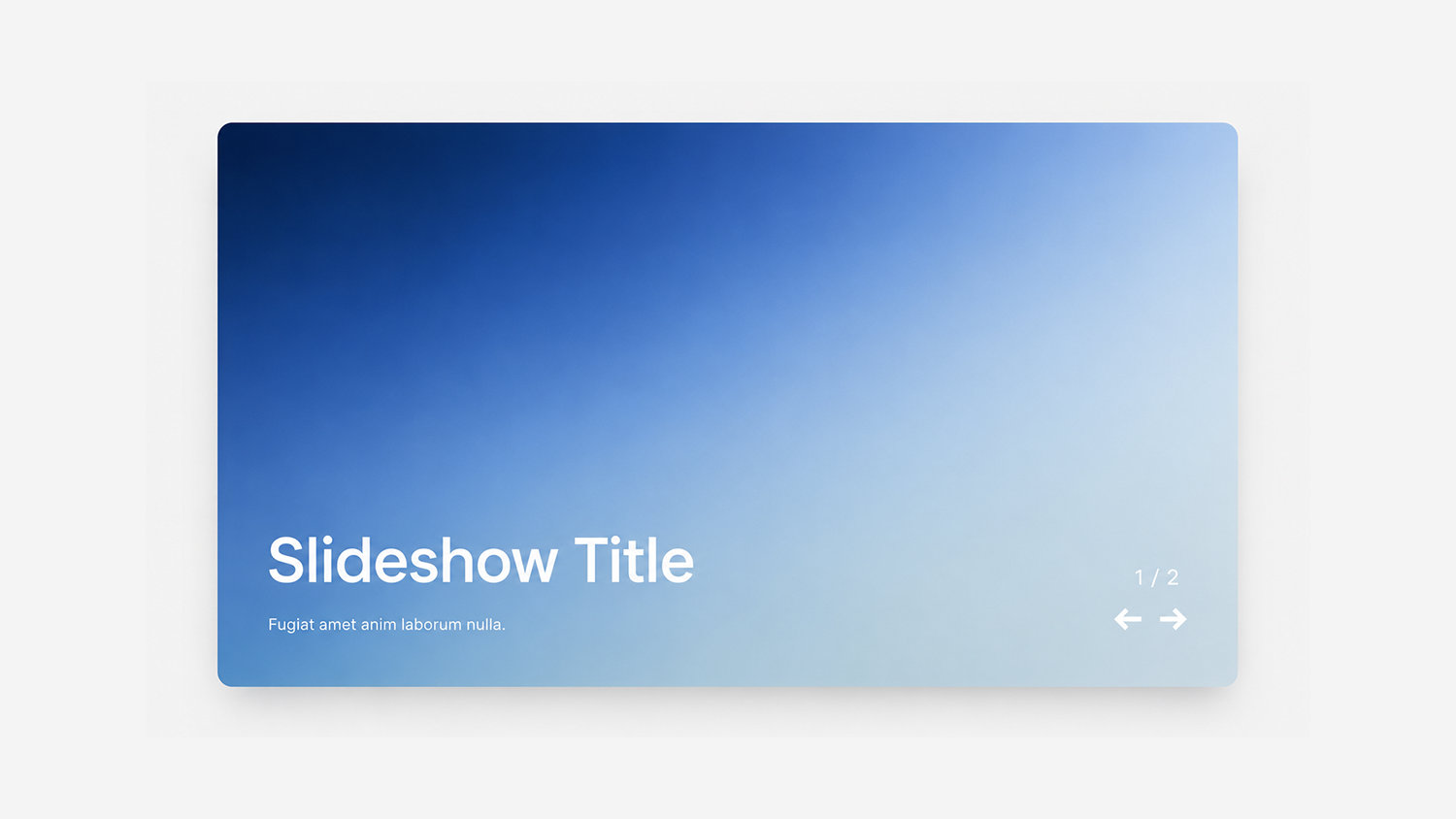
Create a polished slideshow gallery with text overlays, an item counter, and clean next/previous arrows for a more engaging browsing experience.
Plugin Details
Live Plugin Demo
Works with Squarespace 7.1
Requires Core/Business Plan or Higher
Uses CSS Editor and Code Injection
What’s Included
Step-by-Step Install Guide
Multi-Site License
Personal & Client Use Ok
Friendly Support
Free Future Updates
Customizable Options
Transparent Header
Autoplay On or Off
Autoplay Timer
Title Size and Color
Description Size and Color
Item Counter Size and Color
Arrow Icon Size and Color
Overlay Color
Loading Color
Slideshow Height
Note: Requires the Carousel Summary Block and cannot be used with other plugins that also target the Carousel Summary Block. Text content, item counter, and arrow bottom corner placement are hard set and cannot be changed.
Pro Access (Membership)
Unlimited access to this plugin and the Super Plugin Library.
Buy Now (Single Purchase)
Purchase this plugin with a multi-site license.
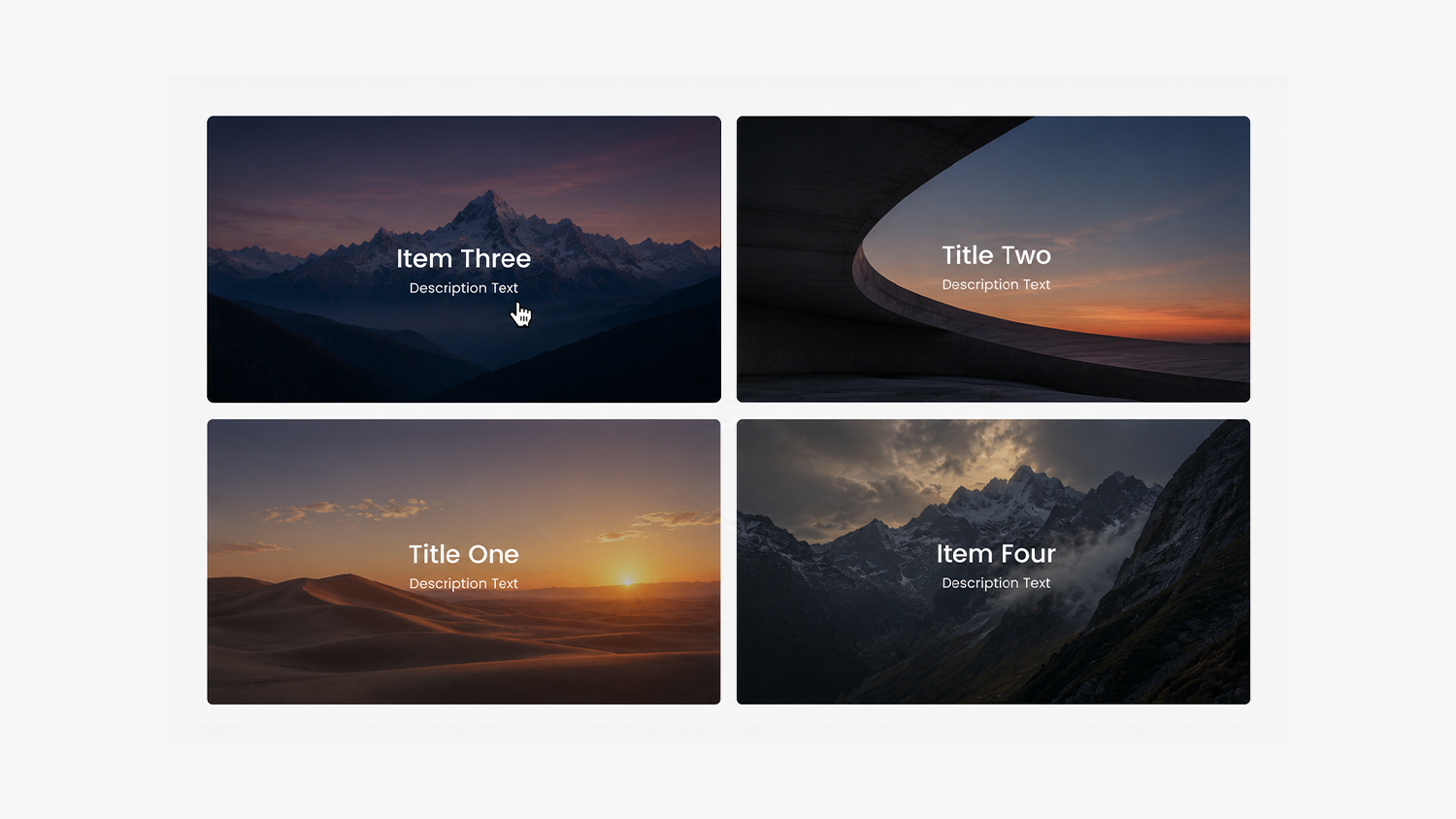
Turn the Gallery Block into an interactive video picker where clicking a thumbnail loads the selected video into a larger player above the gallery.
Plugin Details
Live Plugin Demo
Works with Squarespace 7.0 and 7.1
Requires Business Plan or Higher
Uses CSS Editor and Code Injection
Only Compatible with YouTube and Vimeo Video
What’s Included
Step-by-Step Install Guide
Multi-Site License
Personal & Client Use Ok
Friendly Support
Free Future Updates
Customizable Options
Text Alignment (Left, Center, or Right)
Title Size and Color
Subtitle Size and Color
Overlay Color On Hover
X Close Icon Color
X Close Background Color
Items Per Row and Spacing (Squarespace Setting)
Aspect Ratio (Squarespace Setting)
Note: Requires the Grid Gallery Block and cannot be used with other plugins that use the Grid Gallery Block. For best functionality, we recommended that only one grid gallery block be used per page.
⚠️ Gallery Blocks in Squarespace
By default, Squarespace 7.1 does not offer Gallery Blocks (unless you’re a Circle Member). Our team can help add them to your 7.1 website, contact us after purchase.
Pro Access (Membership)
Unlimited access to this plugin and the Super Plugin Library.
Buy Now (Single Purchase)
Purchase this plugin with a multi-site license.

Ghost+ Pro Access
Unlimited Plugins & Templates
Unlock unlimited member-based access to the premium Super Plugin and Template Libraries with a Ghost+ Pro Access Membership.
Encourage larger orders with a customizable cart progress bar that shows customers how close they are to earning free shipping, free gifts, automatic discounts, and other spending incentives.
Simply create your promotion in Squarespace (like free shipping or an automatic discount) and customize the progress bar to match your offer.
Plugin Details
Live Plugin Demo
Progress Bar Updates In Real Time
Works with Squarespace 7.1
Uses Code Injection and Custom CSS
Requires Core/Business Plan or Higher
What’s Included
Step-by-Step Install Guide
Multi-Site License
Personal & Client Use Ok
Friendly Support
Free Future Updates
Customizable Options
Order Subtotal Threshold
Title Before Free Shipping
Subtitle Before Free Shipping
Title After Free Shipping
Subtitle After Free Shipping
Currency Symbol
Main Container Style (Border, Background, Spacing, Padding)
Main Title Style (Size, Color, Weight, Font Family, Spacing)
Subtitle Title Style (Size, Color, Weight, Font Family, Spacing)
Progress Bar Track (Height, Color, Border Radius)
Progress Bar (Height, Color, Border Radius)
Pro Access (Membership)
Unlimited access to this plugin and the Super Plugin Library.
Unlock With Pro Access
Buy Now (Single Purchase)
Purchase this plugin with a multi-site license.