
 Image 1 of 2
 Image 2 of 2
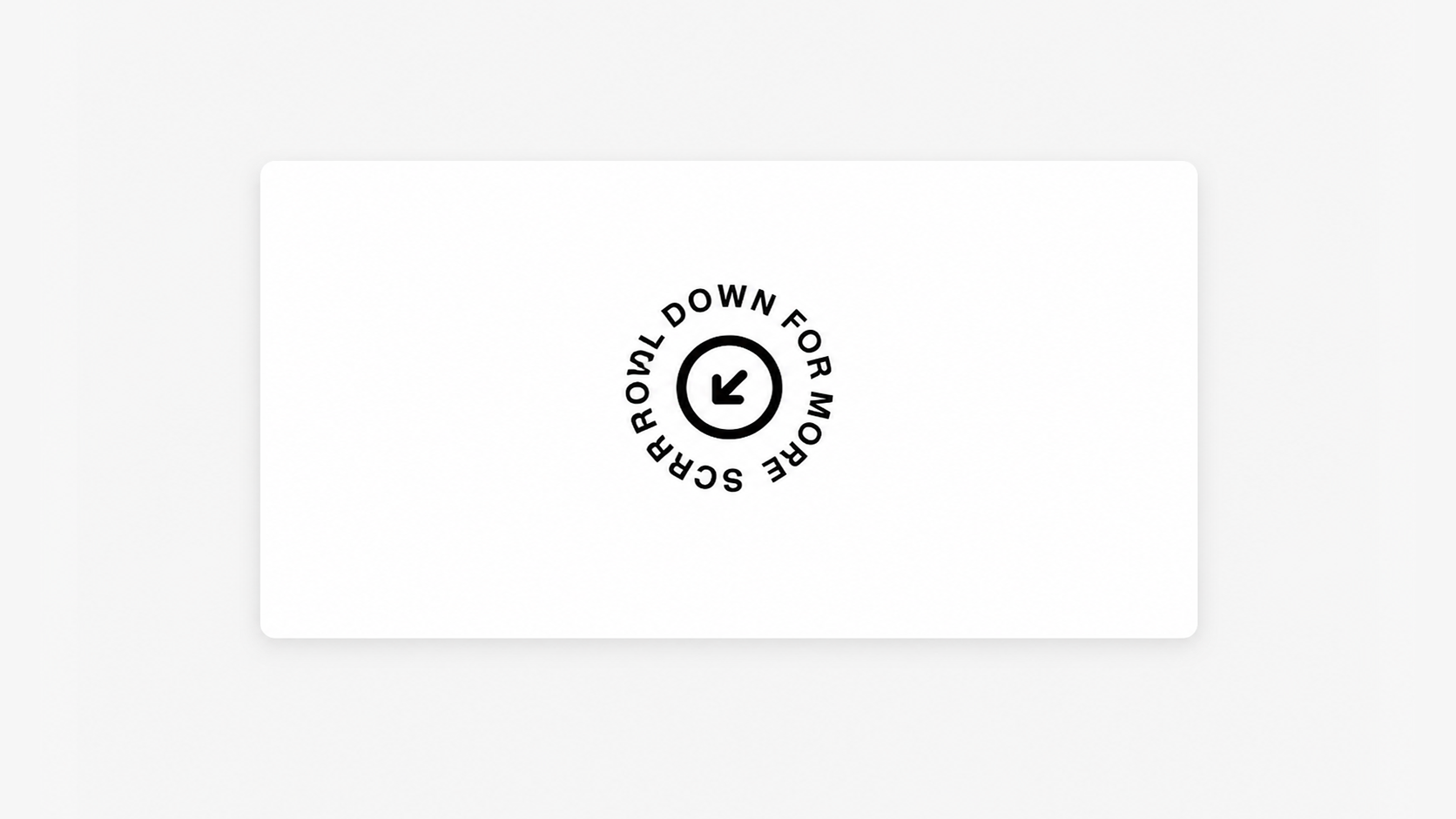
Add movement to your layout with a rotating “scroll down” circle that can be positioned anywhere on the page to guide visitor interaction.
Live Plugin Demo
Works with Squarespace 7.1
Requires Basic/Personal Plan or Higher
Uses the Image Block and CSS Editor
4 Scroll Down Icons Included (Or Use Your Own)
Step-by-Step Install Guide
Multi-Site License
Personal & Client Use Ok
Friendly Support
Free Future Updates
Rotating Speed (Speed Up or Down)
Use Default Icons (PNG, PSD)
Use Your Own Scroll Down Icon
Note: Fluid Engine is recommended as it allows you to place the image block more freely within a page section. If using Classic, you’ll use spacer blocks for block placement like normal.
Unlimited access to this plugin and the Super Plugin Library.
Purchase this plugin with a multi-site license.
Add movement to your layout with a rotating “scroll down” circle that can be positioned anywhere on the page to guide visitor interaction.
Live Plugin Demo
Works with Squarespace 7.1
Requires Basic/Personal Plan or Higher
Uses the Image Block and CSS Editor
4 Scroll Down Icons Included (Or Use Your Own)
Step-by-Step Install Guide
Multi-Site License
Personal & Client Use Ok
Friendly Support
Free Future Updates
Rotating Speed (Speed Up or Down)
Use Default Icons (PNG, PSD)
Use Your Own Scroll Down Icon
Note: Fluid Engine is recommended as it allows you to place the image block more freely within a page section. If using Classic, you’ll use spacer blocks for block placement like normal.
Unlimited access to this plugin and the Super Plugin Library.
Purchase this plugin with a multi-site license.