
Mini Announcement Bar
Plugin Details
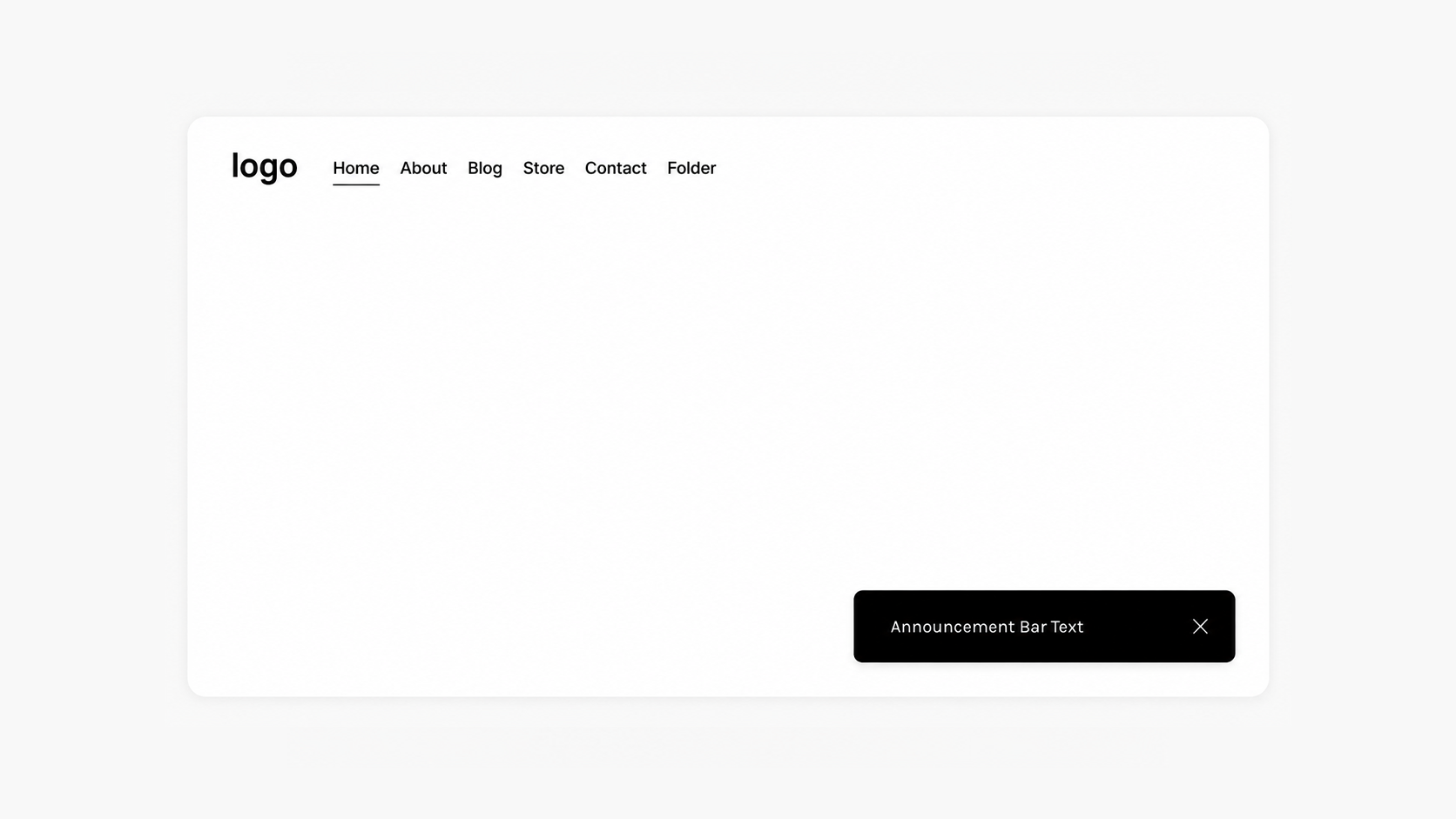
Create a small announcement bar that floats in the bottom corner of your website. Perfect for sharing promotions, updates, discount codes, newsletter signups, or important messages without taking over the full screen.
Works with Squarespace 7.1
Easy To Install and Customize
Uses Custom CSS
Mobile Responsive
How To Install
To add this plugin to your Squarespace website, simply copy and paste this code into Custom CSS and save.
// ANNOUNCEMENT BAR - MINI CORNER - GHOSTPLUGINS.COM //

.sqs-announcement-bar, .header .sqs-announcement-bar-dropzone  {
  padding: 5px;
  margin: 20px;
  border-radius: 5px;
  bottom: 0px;
  width: auto !important;
  z-index: 3 !important;
  position: fixed;
  top: initial !important;
  display: flex;
}

.sqs-announcement-bar-hidden {
  display: none !important;
}
Customizable Options
Padding
Margin
Border Radius
Adjust these included customization options or add your own to the code.
Plugin Notes
Ensure the announcement bar is enabled.
Adjust announcement bar colors and styles in Squarespace settings.

Create a floating mini announcement bar for Squarespace that stays visible in the bottom corner of your website. Use it to highlight sales, updates, offers, or important information while keeping your design clean and unobtrusive.