
 Image 1 of 2
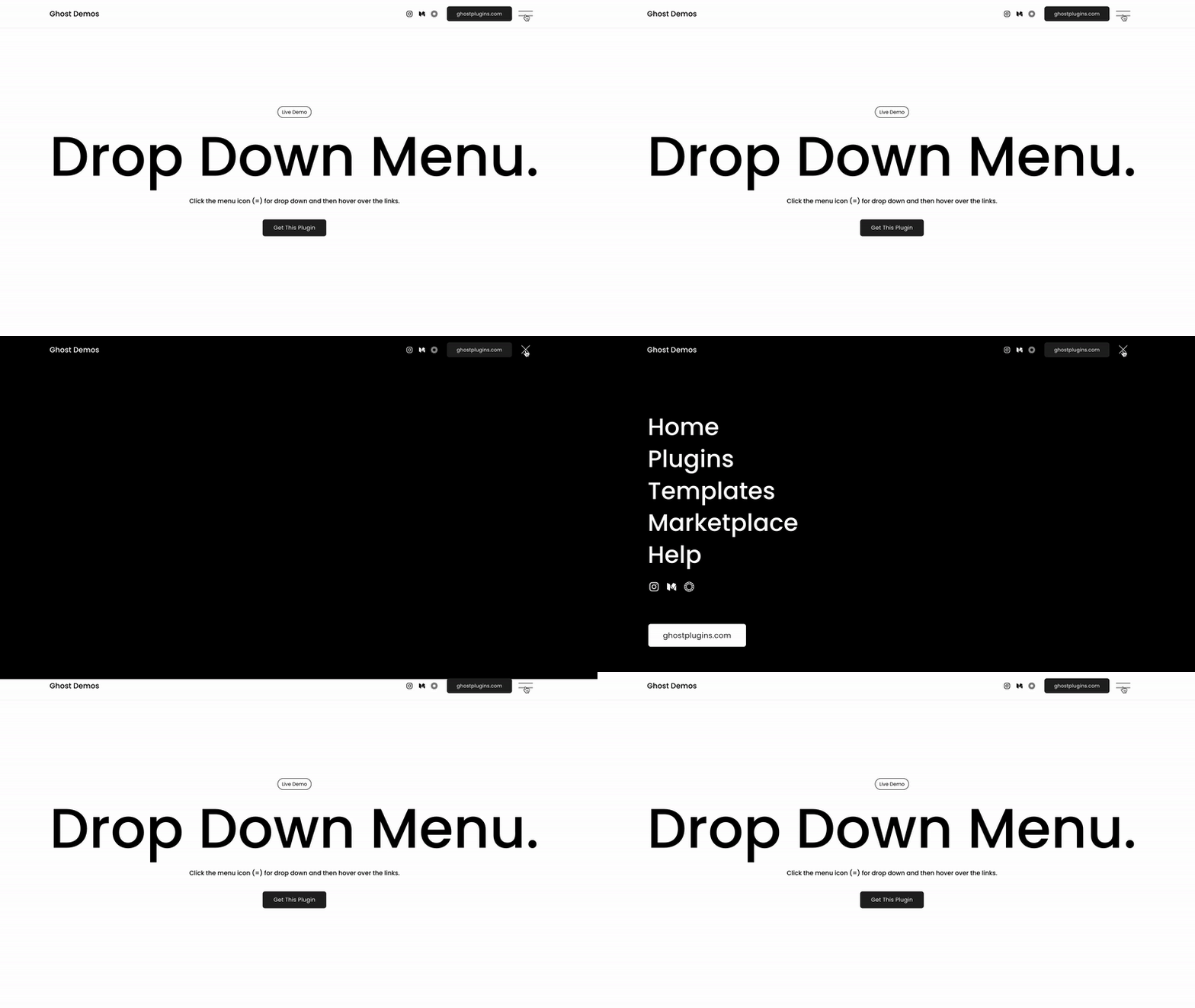 Image 2 of 2
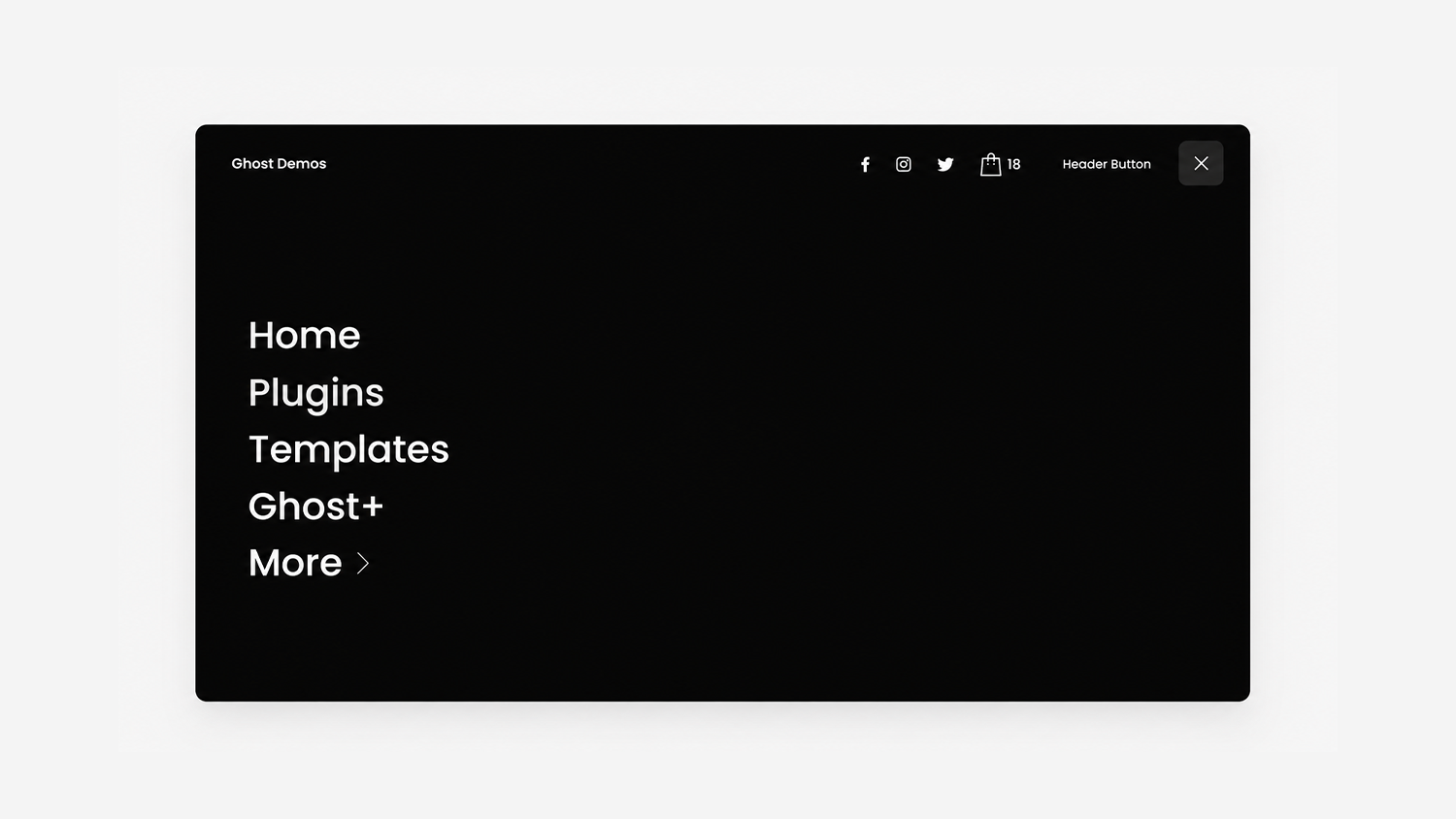
Display a hamburger-style menu across all screen sizes with a smooth drop-down animation for a cleaner, more modern navigation experience.
Live Plugin Demo
Works with Squarespace 7.1
Requires Core/Business Plan or Higher
Uses CSS Editor and Code Injection
Step-by-Step Install Guide
Multi-Site License
Personal & Client Use Ok
Friendly Support
Free Future Updates
Open Menu Width
Menu Hamburger Icon Spacing
Menu Hamburger Icon Placement (Left or Right)
Link Size and Spacing
Link Text and Outline Color (On Hover Style)
Social Icons Spacing (Open Menu)
Menu style (colors, fonts, etc) can be changed in Squarespace settings
Note: Desktop and mobile header layouts must be set to logo on left / nav on right. You are able to move the menu = icon to the left or right side but logo will remain on left.
Unlimited access to this plugin and the Super Plugin Library.
Purchase this plugin with a multi-site license.
Display a hamburger-style menu across all screen sizes with a smooth drop-down animation for a cleaner, more modern navigation experience.
Live Plugin Demo
Works with Squarespace 7.1
Requires Core/Business Plan or Higher
Uses CSS Editor and Code Injection
Step-by-Step Install Guide
Multi-Site License
Personal & Client Use Ok
Friendly Support
Free Future Updates
Open Menu Width
Menu Hamburger Icon Spacing
Menu Hamburger Icon Placement (Left or Right)
Link Size and Spacing
Link Text and Outline Color (On Hover Style)
Social Icons Spacing (Open Menu)
Menu style (colors, fonts, etc) can be changed in Squarespace settings
Note: Desktop and mobile header layouts must be set to logo on left / nav on right. You are able to move the menu = icon to the left or right side but logo will remain on left.
Unlimited access to this plugin and the Super Plugin Library.
Purchase this plugin with a multi-site license.